Virtual Try-On for Dresses
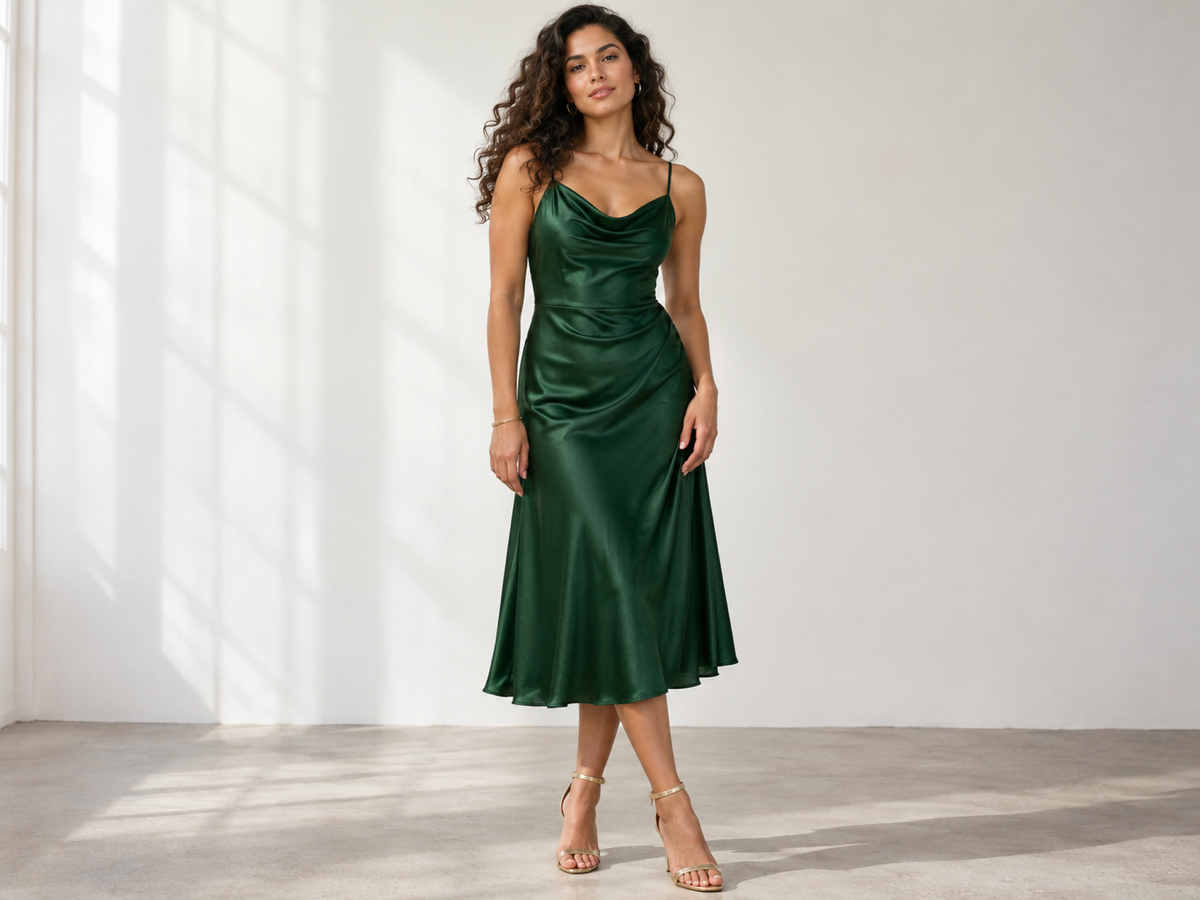
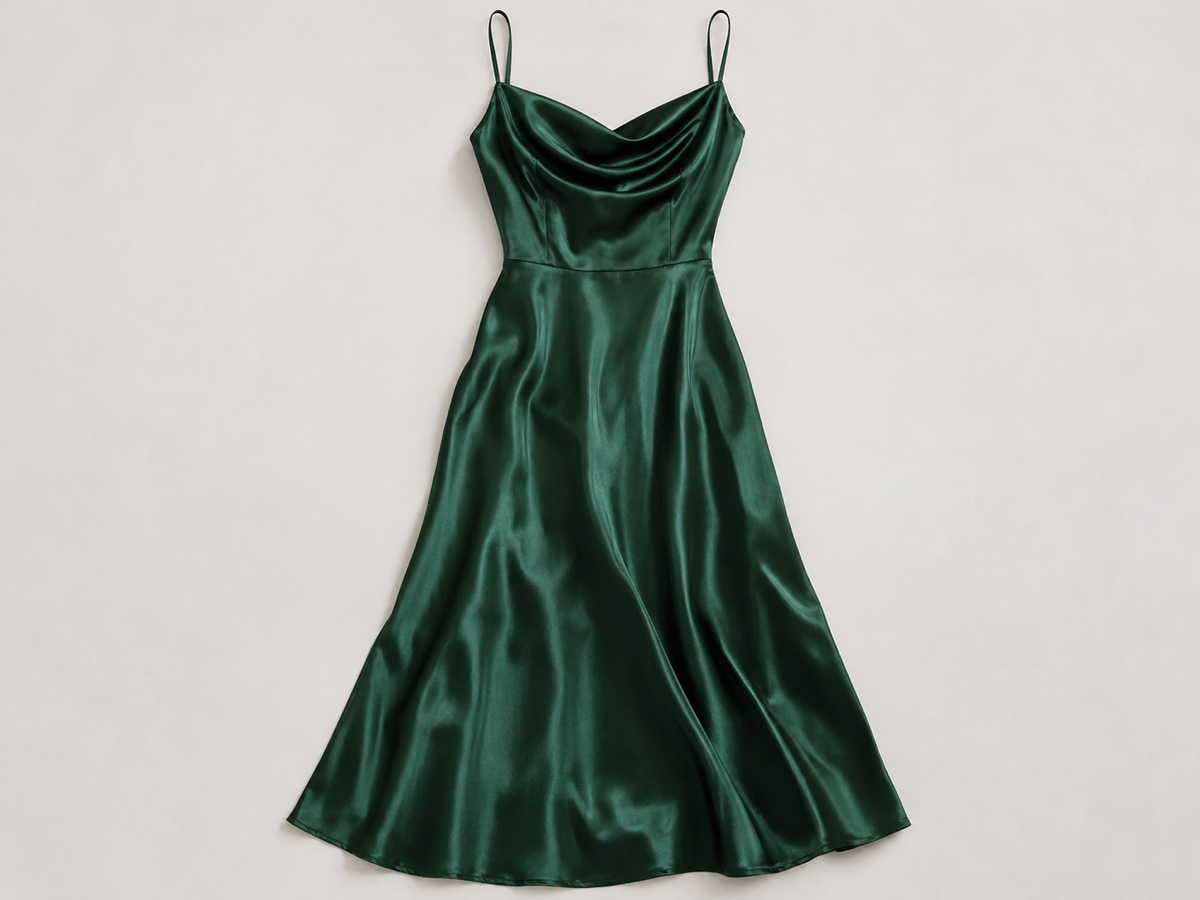
Dresses are the hardest garment to sell from a flat photo because drape, length and how the print falls only make sense on a body. Virtual Model uses Kolors Virtual Try-On to dress a realistic model in your exact garment: upload the dress on a mannequin, a hanger or laid flat, set garment type to Dress, choose a model preset by body type and skin tone, and the tool generates an on-model image with the fabric following the figure, the hem at the right length, the print continuous across seams and natural folds at the waist and shoulders. Pattern fidelity is high, so florals, stripes and logos stay where they should. Boutiques and DTC fashion brands use it to launch new styles without a shoot, to show the same dress on several body types for inclusive product pages, and to test which colourways sell before ordering samples. Wholesale marketplaces use it to upgrade supplier photos. Shoot the dress front-on, fully visible, evenly lit and unwrinkled; a mannequin shot gives the best result, a flat-lay is fine. Beta pricing is five credits per image. Follow with the Product Photo Generator to place the model in a scene, or the Background Remover for a white e-commerce background, and always disclose virtual models where local law requires it.
- Drape, hem length and print continuity on a real figure
- Several body types and skin tones for inclusive pages
- Mannequin, hanger or flat-lay input
- Test colourways before ordering samples
- No signup required
from 5 credits · Uploads are deleted automatically after 24 hours.
Other variants
How it works
Step 1
Upload the garment
Flat lay, hanger or mannequin shot, front view.
Step 2
Choose a model
Pick gender, body type and skin tone. Select the garment category.
Step 3
Generate
Get an on-model image with natural drape. Regenerate for a different pose.
Works great for
Why youcut.ai
Fabric fidelity
Prints, logos, seams and textures transfer without distortion.
Inclusive model library
Multiple body types, skin tones and ages.
Consistent model across SKUs
Use the same model preset for the whole collection.
Cheaper than a shoot
5 credits per image versus hundreds of dollars per look.
Beta with refunds
Failed or low-quality generations are refunded during beta.
youcut.ai vs Photoroom
| Feature | youcut.ai | Photoroom |
|---|---|---|
| Garment try-on on human models | ✓ | — |
| Price per image | 5 credits (~$0.16 on Pro) | Not offered |
| Body type and skin tone options | ✓ | — |
| Flat-lay and mannequin input | ✓ | — |
Loved by creators and teams
“New arrivals go live the day they land, on a model.”
“Different models for EU and US stores from the same flat lays.”
“My T-shirt graphics stay crisp. Mockup generators never did that.”
“We show every size on a matching body type now.”
“Returns dropped because fit is shown realistically.”
“I use it for previews before deciding what to shoot for real.”
Frequently asked questions
Does the print stay accurate?+
Yes, Kolors preserves pattern placement well. Very small text on the fabric may soften slightly.
Can I use my own model photo?+
Custom model upload is planned. Currently choose from the built-in presets.
Do I have to disclose virtual models?+
Some jurisdictions and marketplaces require it. Label images as AI-generated models where applicable.
Ready to try Virtual Model / Try-On?
Free preview in seconds. HD download from 5 credits.
Try it freePowered by: Kolors Virtual Try-On · Nano Banana (Gemini 2.5 Flash Image)