AI Product Photo Generator – Studio Shots from One Photo
One product photo in, a full set of listing images out.
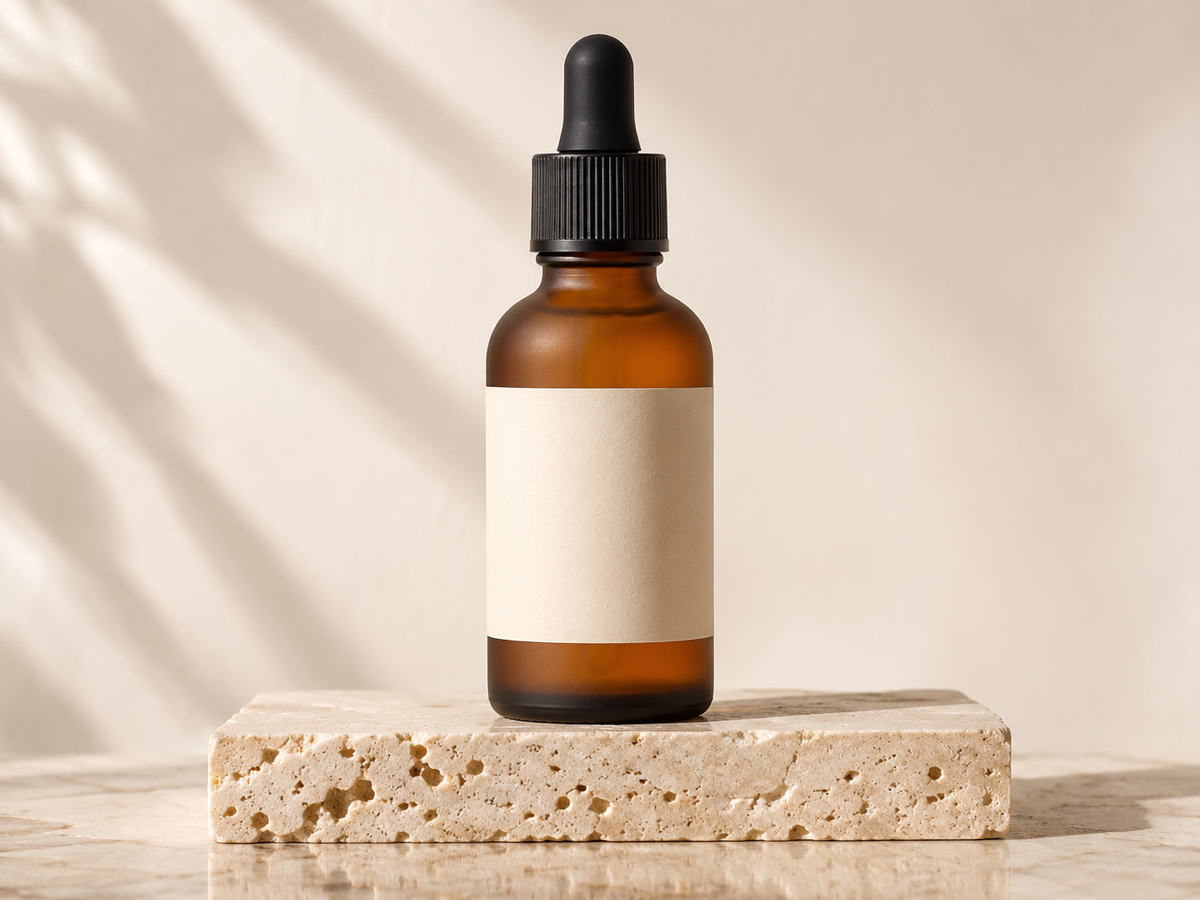
- White background + lifestyle scenes in one run
- Product pixels never altered
- Amazon, Shopify, Etsy sizes built in
- No signup required
from 3 credits · Uploads are deleted automatically after 24 hours.
How it works
Step 1
Upload a product photo
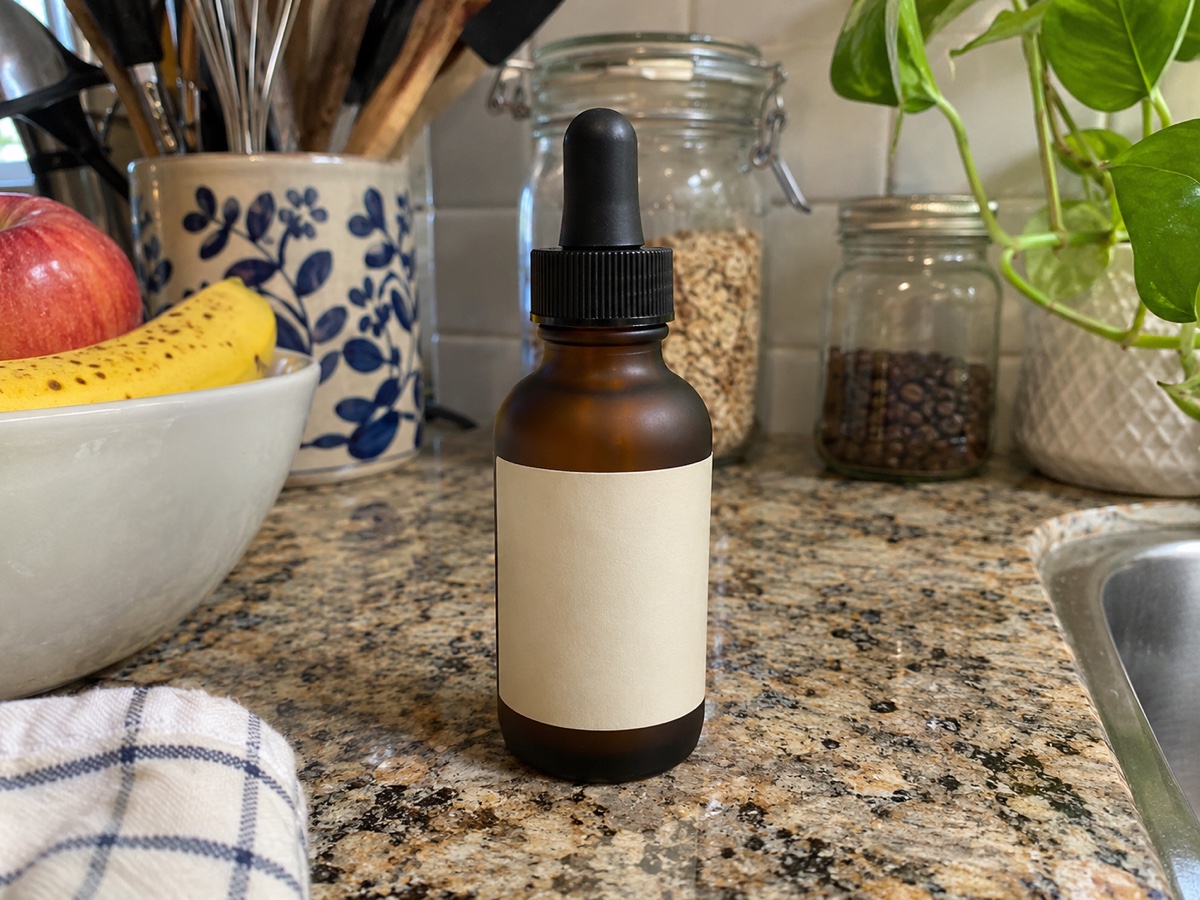
A phone photo on any background works. The product is cut out automatically.
Step 2
Choose scenes
Pick white background for the main image plus lifestyle presets for gallery slots.
Step 3
Generate the set
Download individually or as a ZIP sized for Amazon (2000 px), Shopify or Etsy.
Works great for
Why youcut.ai
Pixel-locked product
Labels, textures and colors are never regenerated, so listings stay accurate.
Realistic shadows and reflections
Contact shadows and surface reflections are synthesized to match each scene.
Marketplace presets
Amazon 2000 x 2000 white, Etsy 2700 x 2025, Shopify 2048 square, and more.
Batch across SKUs
Apply the same scene set to your whole catalog for consistency.
Seasonal refresh
Holiday and seasonal presets let you refresh listings without a reshoot.
API and Shopify integration
Automate on Business plans.
youcut.ai vs Photoroom
| Feature | youcut.ai | Photoroom |
|---|---|---|
| Price per generated image | 3 credits (~$0.09 on Pro) | Pro plan (8000 AI credits/yr) |
| Marketplace size presets | ✓ | ✓ |
| Choice of image model | Nano Banana / Seedream 4 | Proprietary |
| Free daily credits without account | ✓ | — |
| API price (cutout) | $0.02/image | $0.02/image |
Loved by creators and teams
“Seven listing images from one phone photo. Conversion up 18%.”
“We skipped a $4,000 lifestyle shoot for the spring launch.”
“The wood-table preset matches my brand perfectly.”
“Supplier photos become unique listing images in minutes.”
“Consistent scenes across 300 SKUs for a client relaunch.”
“Automated the whole pipeline through the API and Shopify.”
Frequently asked questions
How does the product photo generator work?+
Your product is cut out automatically and locked. The AI then builds the chosen scene around it with matching light and shadows. Because the product pixels are never regenerated, colors and labels stay accurate.
What photo should I upload?+
A sharp, well-lit photo of the product alone, ideally 1500 px or larger. Any background is fine. Avoid strong shadows falling across the product.
How much does it cost?+
3 credits per generated image, about $0.09 on the Pro plan. A typical 7-image listing set is about $0.63.
Are the images Amazon-compliant?+
The white preset outputs pure RGB(255,255,255) backgrounds at 2000 x 2000 px with the product filling 85%+ of the frame, matching Amazon main-image rules.
Can I describe my own scene?+
Yes. Choose Custom and write a prompt such as "black slate, single spotlight, water droplets".
Does it work for clothing?+
Yes for flat lays and ghost mannequins. To show garments on a model, use the Virtual Model tool.
What about reflective or transparent products?+
Glass, metal and jewelry are supported; reflections are synthesized per scene. Very complex transparency may need a manual mask refinement.
Can I process my whole catalog?+
Yes. Upload multiple products, choose a scene set once and generate in batch. Business plans add API access and Shopify integration.
Ready to try Product Photo Generator?
Free preview in seconds. HD download from 3 credits.
Try it freePowered by: Nano Banana (Gemini 2.5 Flash Image) · Seedream 4.0 · BiRefNet v2