Fix Faded and Yellowed Photos
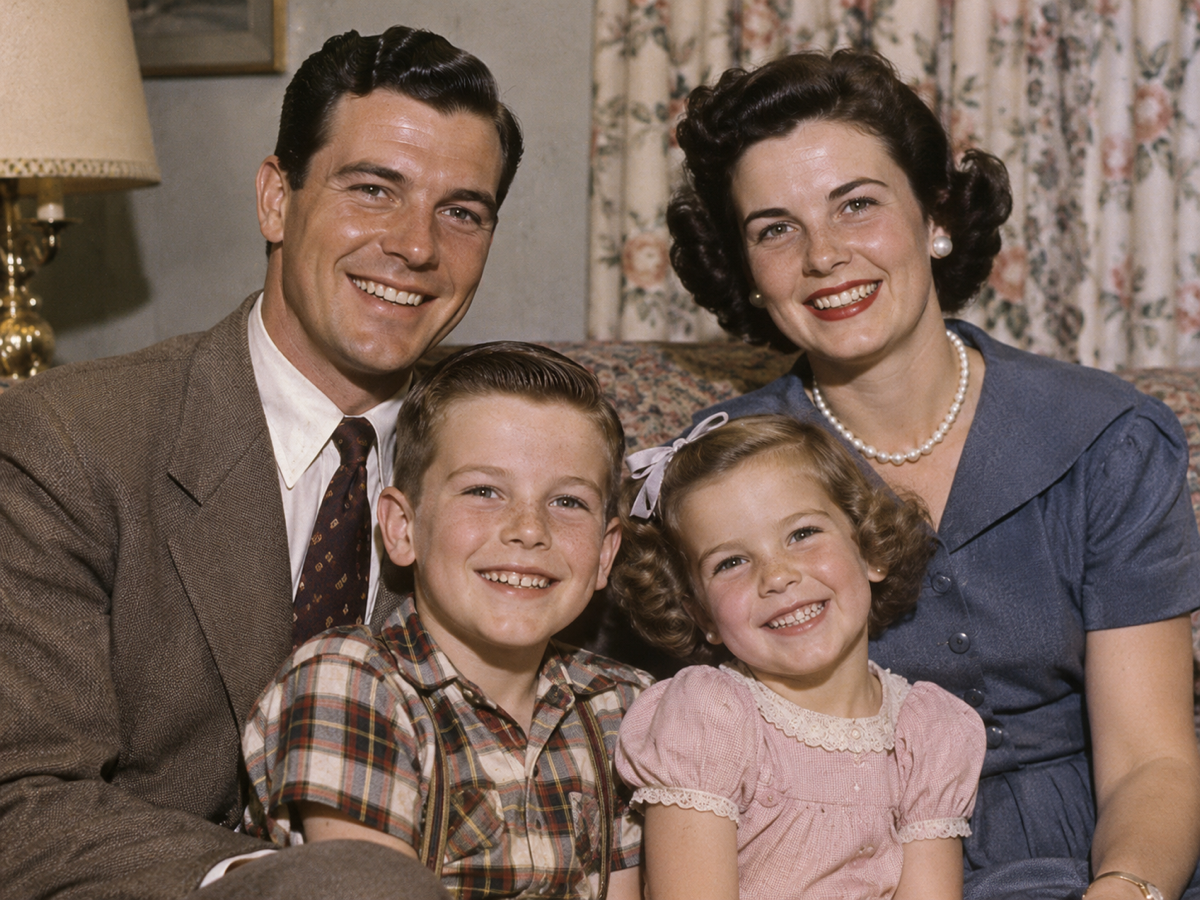
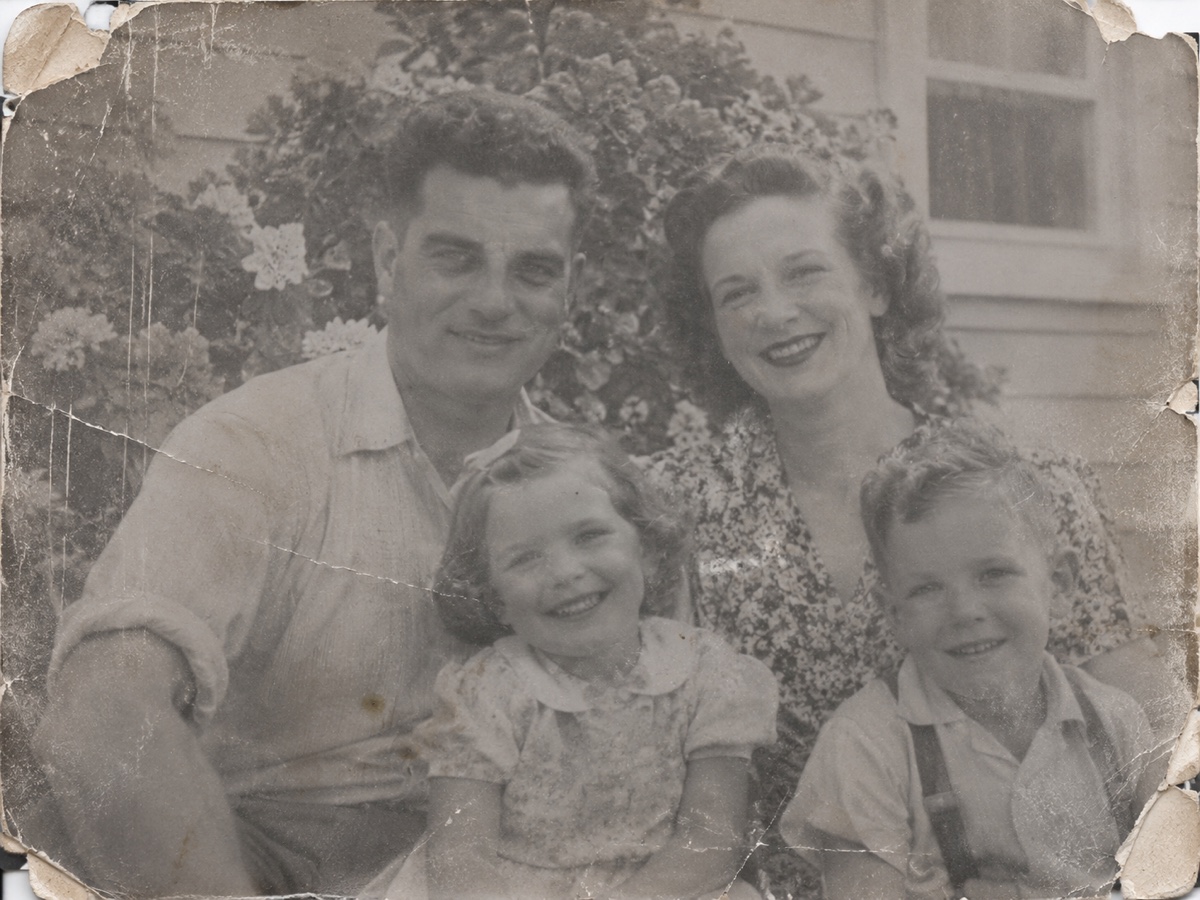
Colour prints fade unevenly. The cyan dye layer goes first, leaving 1970s and 1980s photos with a red or magenta cast; prints displayed in sunlight wash out to pale pastel; albums with acidic pages turn everything yellow. Because the shift is not uniform, a simple auto-levels correction leaves faces orange and shadows green. Photo Restoration in Restore mode analyses the remaining dye information per channel, rebuilds neutral greys and skin tones, recovers contrast in the shadows and highlights, and removes the overall yellow or magenta veil, while leaving the period look of the photo intact rather than making it look digital. It works on colour negatives scans, instant camera prints, and slides that have shifted, as well as on black and white prints that have gone flat and brown. Scan or photograph the print evenly lit, disable the scanner's own colour restoration, and let the model do the correction consistently across a whole album. Combine with Colorize for monochrome originals, and with the Image Upscaler for reprints larger than the original. Preview is free and each Restore job costs two credits.
- Per-channel correction fixes magenta, red and yellow casts
- Contrast recovered in shadows and highlights
- Period look preserved – not over-digitised
- Consistent results across a whole album
- No signup required
from 2 credits · Uploads are deleted automatically after 24 hours.
Other variants
Modes
How it works
Step 1
Scan or photograph the print
Upload a scan or a straight-on phone photo of the old picture.
Step 2
Choose Restore, Colorize or Both
AI removes scratches and dust, sharpens faces and optionally adds color.
Step 3
Download and share
Save the restored image, then upscale it for printing if needed.
Works great for
Why youcut.ai
Damage repair
Scratches, dust, creases and stains are detected and filled automatically.
Face restoration
A dedicated model recovers eyes, mouths and skin while keeping identity.
Realistic colorization
Trained on historical photos so uniforms, cars and interiors get plausible colors.
Keeps the grain
Restoration removes damage, not the character of film.
Private processing
Family photos are never used for training and are deleted on request.
youcut.ai vs Adobe Photoshop
| Feature | youcut.ai | Adobe Photoshop |
|---|---|---|
| One-click restore | ✓ | Neural filter, manual cleanup |
| Automatic colorization | ✓ | ✓ |
| Price | Free preview, 2 credits HD | Monthly subscription |
| No install, works on phone | ✓ | — |
Loved by creators and teams
“My wedding photo from 1968, in color, on my wall. I cried.”
“Restored 200 archive scans for a family history book.”
“Face restoration keeps likeness. Other tools invent new people.”
“Colorization of street scenes is impressively plausible.”
“Made a restored photo book for my grandfather's 90th.”
“We offer restoration as a service now. Customers love it.”
Frequently asked questions
Can badly faded colour be recovered at all?+
Usually yes, because faint dye information remains. Prints faded to near-white will get plausible rather than original colour.
Will it remove the vintage look?+
No, grain and the film character remain; only the colour cast and lost contrast are corrected.
Should I scan the negative or the print?+
The negative if you have it, since it usually holds more detail; otherwise a 600 dpi scan of the print works well.
Ready to try Photo Restoration?
Free preview in seconds. HD download from 2 credits.
Try it freePowered by: CodeFormer · DDColor