Repair Damaged, Scratched and Torn Photos
Physical damage is different from age. A crease through a face, a water stain across the sky, mould spots, silvering on the emulsion and cracks from a photo that was folded in a wallet all replace real image content with noise, and simply sharpening makes them worse. Photo Restoration in Restore mode detects these defects, inpaints them from the surrounding picture and then restores faces and detail on top, so a folded wedding photo comes back with a continuous dress and an intact smile. Wide cracks and missing corners are filled with plausible background; where a crack crosses a face the face model reconstructs the features from the undamaged side. For the best result scan at 600 dpi or more without any automatic dust removal, which blurs, and keep a small border so the model can see where the damage ends. If a stain covers a large area with important detail, run Restore first and then touch up leftovers with the Object Remover. Conservators, family historians and photo labs use this as a first pass that saves hours of clone-stamp work. Preview is free and each Restore job costs two credits.
- Creases, scratches, stains and mould spots inpainted
- Faces crossed by cracks reconstructed from the intact side
- Scan without auto dust removal for best detection
- Follow with Object Remover for large stains
- No signup required
from 2 credits · Uploads are deleted automatically after 24 hours.
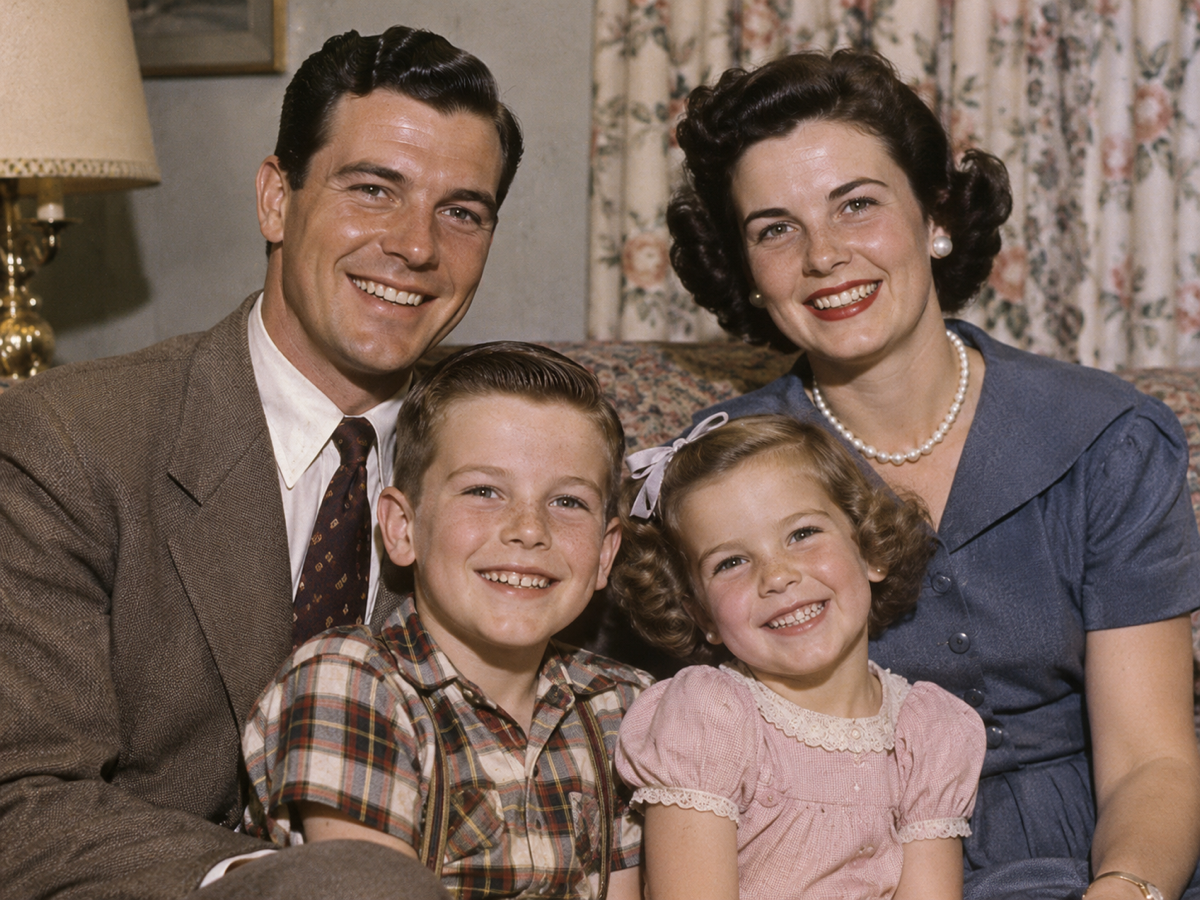
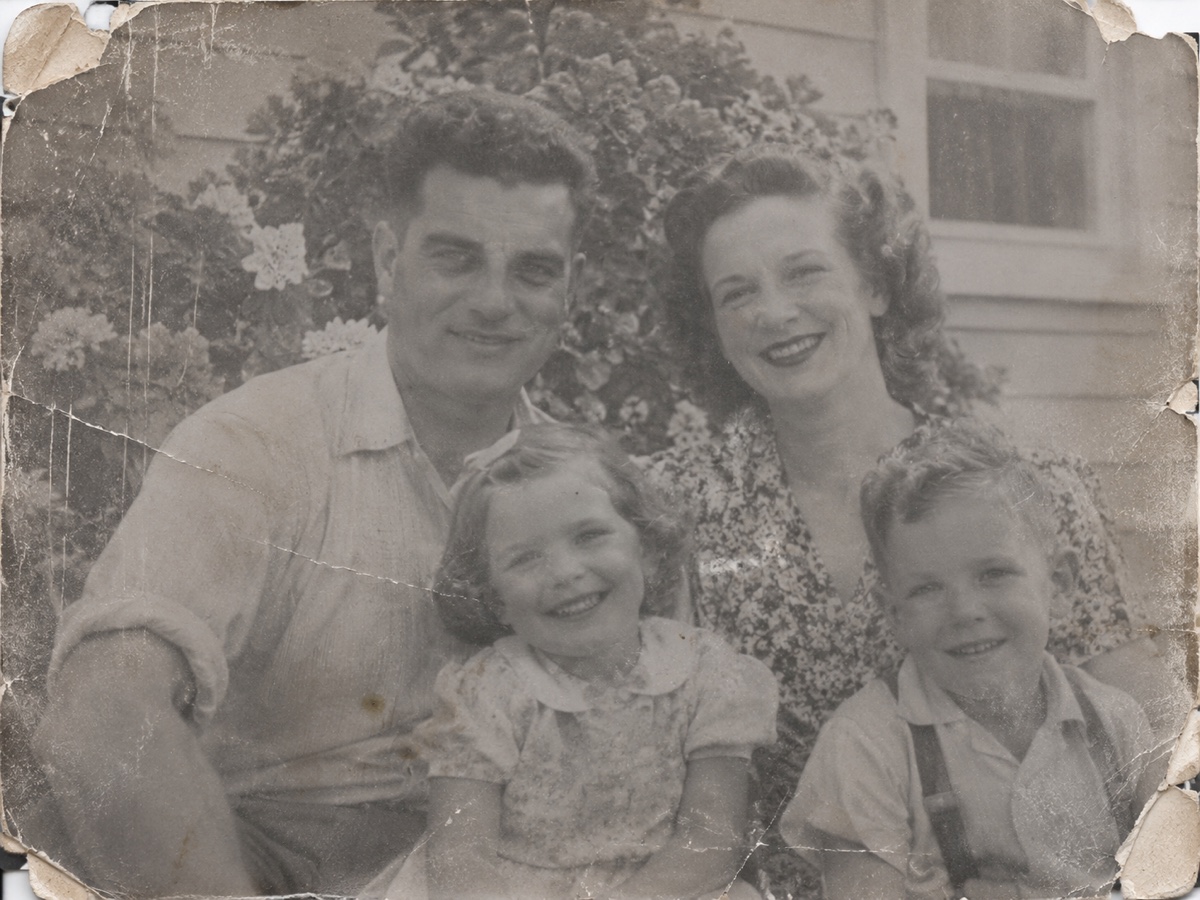
Other variants
Modes
How it works
Step 1
Scan or photograph the print
Upload a scan or a straight-on phone photo of the old picture.
Step 2
Choose Restore, Colorize or Both
AI removes scratches and dust, sharpens faces and optionally adds color.
Step 3
Download and share
Save the restored image, then upscale it for printing if needed.
Works great for
Why youcut.ai
Damage repair
Scratches, dust, creases and stains are detected and filled automatically.
Face restoration
A dedicated model recovers eyes, mouths and skin while keeping identity.
Realistic colorization
Trained on historical photos so uniforms, cars and interiors get plausible colors.
Keeps the grain
Restoration removes damage, not the character of film.
Private processing
Family photos are never used for training and are deleted on request.
youcut.ai vs Adobe Photoshop
| Feature | youcut.ai | Adobe Photoshop |
|---|---|---|
| One-click restore | ✓ | Neural filter, manual cleanup |
| Automatic colorization | ✓ | ✓ |
| Price | Free preview, 2 credits HD | Monthly subscription |
| No install, works on phone | ✓ | — |
Loved by creators and teams
“My wedding photo from 1968, in color, on my wall. I cried.”
“Restored 200 archive scans for a family history book.”
“Face restoration keeps likeness. Other tools invent new people.”
“Colorization of street scenes is impressively plausible.”
“Made a restored photo book for my grandfather's 90th.”
“We offer restoration as a service now. Customers love it.”
Frequently asked questions
Can it restore a photo with a missing corner?+
Yes, the missing area is filled with plausible background. If a person was in that corner, the model can only approximate them.
What about silvering and mirror-like patches?+
Scan at a slight angle to reduce reflection, then Restore handles the remaining discolouration.
Is the original file changed?+
No, you receive a new file and the original stays untouched in your history.
Ready to try Photo Restoration?
Free preview in seconds. HD download from 2 credits.
Try it freePowered by: CodeFormer · DDColor