Remove Tourists from Travel Photos
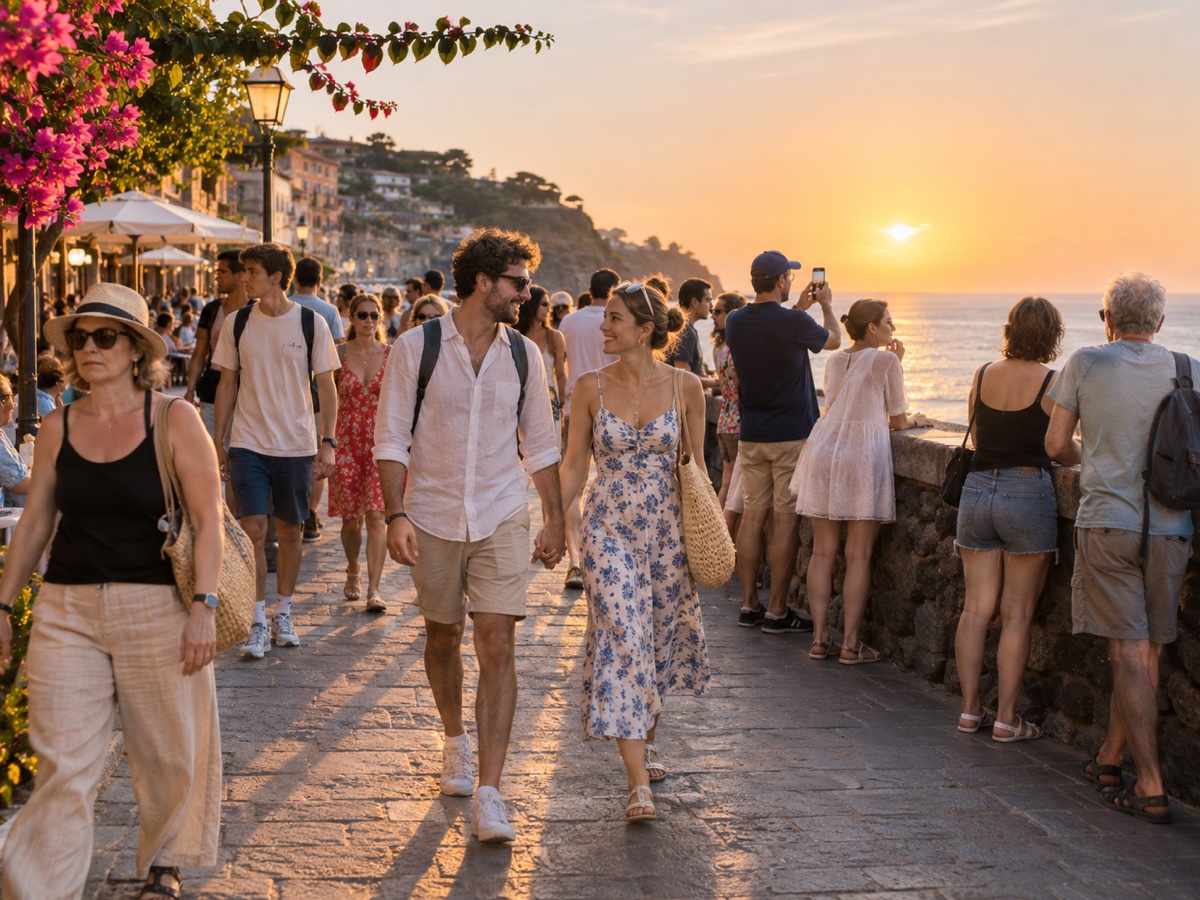
You waited twenty minutes for a gap in the crowd at the Trevi Fountain and it never came. The People Remover in auto mode detects every person in the photo, keeps the largest and most central subject, and erases everyone else in one click, reconstructing the steps, cobblestones, water and facade behind them. There is no masking; the whole pass takes a few seconds and costs one credit after a free preview. It works best when you are clearly the main subject, standing closer to the camera than the crowd, and when the background is architecture, landscape or sky rather than another dense crowd. Wide shots of a plaza, a temple courtyard, a beach promenade or a museum hall come out especially well because the model has plenty of repeating structure to copy. If the tool keeps a person you wanted gone, or removes a travel companion, switch to the Object Remover and mask manually. Pair it with the Image Expander to widen a cramped landmark shot, or the Photo Enhancer to fix a hazy midday sky, and your holiday album finally looks the way the place felt.
- Auto-detects the crowd and keeps the main subject
- Rebuilds steps, pavements, water and facades behind people
- No masking – one click, a few seconds
- Manual fallback via Object Remover for tricky cases
- No signup required
from 1 credits · Uploads are deleted automatically after 24 hours.

Other variants
How it works
Step 1
Upload the photo
Crowded landmark, busy street or a group shot with an extra guest.
Step 2
Choose who stays
AI outlines every person. Tap the ones you want to keep; everyone else is marked for removal.
Step 3
Remove and download
The background is rebuilt behind them. Download full resolution or refine with the Object Remover brush.
Works great for
Why youcut.ai
Person detection built in
No brushing. Every person is found automatically, including partial figures at the frame edge.
Selective keep
Keep one, two or a whole group and remove the rest.
Shadows handled
The mask is expanded to include shadows and reflections so nothing is left behind.
Refine with the brush
Send the result to the Object Remover for touch-ups on bags, tripods or leftover feet.
youcut.ai vs Adobe Photoshop
| Feature | youcut.ai | Adobe Photoshop |
|---|---|---|
| Automatic person detection | ✓ | — |
| Time per photo | ~10 seconds | 5–20 minutes of manual work |
| Price | Free preview, 1 credit HD | Monthly subscription |
| Runs in browser | ✓ | — |
Loved by creators and teams
“Santorini at noon, zero tourists. Clients think I woke up at 5am.”
“Neighbors walking through the shot are no longer a reshoot.”
“Removed a waiter from the first-kiss photo. Bride cried, happy tears.”
“Free credits were enough to fix all my exchange-semester photos.”
“Backgrounds look untouched, not smudged. That is the difference.”
“We clean event photos before posting so no attendee consent issues.”
Frequently asked questions
How does it know which person to keep?+
The largest, most central person is treated as the subject. Photos with no clear subject remove everyone.
Can I keep two people, for example my partner and me?+
Auto mode keeps one subject. For couples or groups, use the Object Remover and mask only the strangers.
What about people far in the distance?+
Tiny distant figures are removed too, down to a few pixels tall, as long as the detector recognises them.
Ready to try People Remover?
Free preview in seconds. HD download from 1 credits.
Try it freePowered by: Bria Eraser · FLUX.1 Fill [pro]