Remove Strangers from Photos
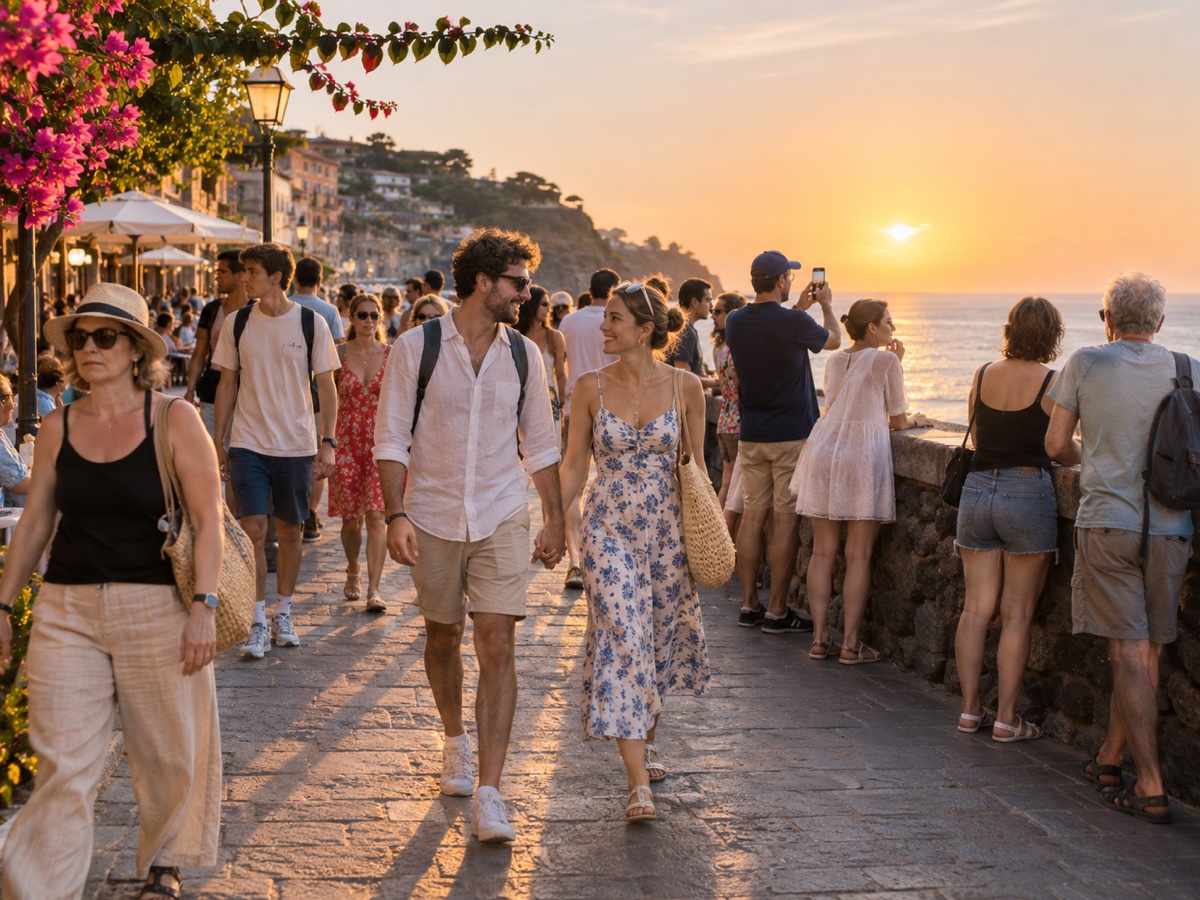
Posting a photo of a cafe, a playground, a gym or a street market almost always means posting strangers who never agreed to appear on your feed. The People Remover lets you keep the atmosphere of the place while removing the people in it, which is both a courtesy and, in many countries, a legal safeguard. It automatically detects every person, keeps you if you are the main subject, and rebuilds the tables, benches, shelves or pavement behind everyone else. Parents use it to share playground photos without other children in them, small businesses use it to photograph their premises during opening hours, and travellers use it to post a market scene without a dozen identifiable faces. The detection covers people of any size, partially visible bodies and reflections in mirrors are not removed automatically, so check the preview and use the Object Remover to mask anything left over. For the most natural fill, shoot from a slight height so the ground between people is visible, and expect best results on regular surfaces such as tiles, wooden floors, grass and sand.
- Share places, not people – privacy-safe posting
- Keeps you as the main subject automatically
- Tables, benches, shelves and pavements rebuilt naturally
- Object Remover available for reflections and leftovers
- No signup required
from 1 credits · Uploads are deleted automatically after 24 hours.

Other variants
How it works
Step 1
Upload the photo
Crowded landmark, busy street or a group shot with an extra guest.
Step 2
Choose who stays
AI outlines every person. Tap the ones you want to keep; everyone else is marked for removal.
Step 3
Remove and download
The background is rebuilt behind them. Download full resolution or refine with the Object Remover brush.
Works great for
Why youcut.ai
Person detection built in
No brushing. Every person is found automatically, including partial figures at the frame edge.
Selective keep
Keep one, two or a whole group and remove the rest.
Shadows handled
The mask is expanded to include shadows and reflections so nothing is left behind.
Refine with the brush
Send the result to the Object Remover for touch-ups on bags, tripods or leftover feet.
youcut.ai vs Adobe Photoshop
| Feature | youcut.ai | Adobe Photoshop |
|---|---|---|
| Automatic person detection | ✓ | — |
| Time per photo | ~10 seconds | 5–20 minutes of manual work |
| Price | Free preview, 1 credit HD | Monthly subscription |
| Runs in browser | ✓ | — |
Loved by creators and teams
“Santorini at noon, zero tourists. Clients think I woke up at 5am.”
“Neighbors walking through the shot are no longer a reshoot.”
“Removed a waiter from the first-kiss photo. Bride cried, happy tears.”
“Free credits were enough to fix all my exchange-semester photos.”
“Backgrounds look untouched, not smudged. That is the difference.”
“We clean event photos before posting so no attendee consent issues.”
Frequently asked questions
Is removing strangers better than blurring them?+
For social posts, yes: the photo looks natural and no personal data remains. Blurring still reveals clothing, body shape and location.
Are reflections in windows removed?+
Not automatically. Mask them with the Object Remover if they are recognisable.
How much does it cost?+
Preview is free; each accepted result costs one credit, about $0.03 on a subscription.
Ready to try People Remover?
Free preview in seconds. HD download from 1 credits.
Try it freePowered by: Bria Eraser · FLUX.1 Fill [pro]