Animate Landscape Photos into Video
Landscapes are the most forgiving subject for image-to-video because natural motion is expected and small inaccuracies are invisible: clouds should drift, water should ripple, grass should sway and light should change. Upload a scenic photo and describe the motion: clouds drifting slowly right, gentle waves on the lake, sunlight shifting; slow aerial drift forward over the valley, birds in the distance; snow falling softly, camera static. Wan 2.2 is excellent value for these ambient scenes at six to eight credits and can run long for screensaver-style loops; Kling 2.5 gives more convincing water and foliage physics; Veo 3.1 adds native ambient sound, wind, waves and birdsong, which turns a photo into a complete atmosphere piece. Use 16:9 for TVs, websites and YouTube, 9:16 for phone backgrounds and Stories, and 10 seconds for ambience where you want a longer, slower feel. Travel creators use this to animate their best photos, real-estate agents to bring exterior shots and views to life in listing videos, hotels and venues for website heroes, and meditation and lo-fi channels for looping backgrounds. Photos with a clear sky, water or vegetation produce the most natural results.
- Clouds, water, foliage and light move naturally
- Wan 2.2 great value for ambient loops
- Veo 3.1 adds wind, waves and birdsong
- 10 seconds at 16:9 for TV and website ambience
- No signup required
from 6 credits · Uploads are deleted automatically after 24 hours.
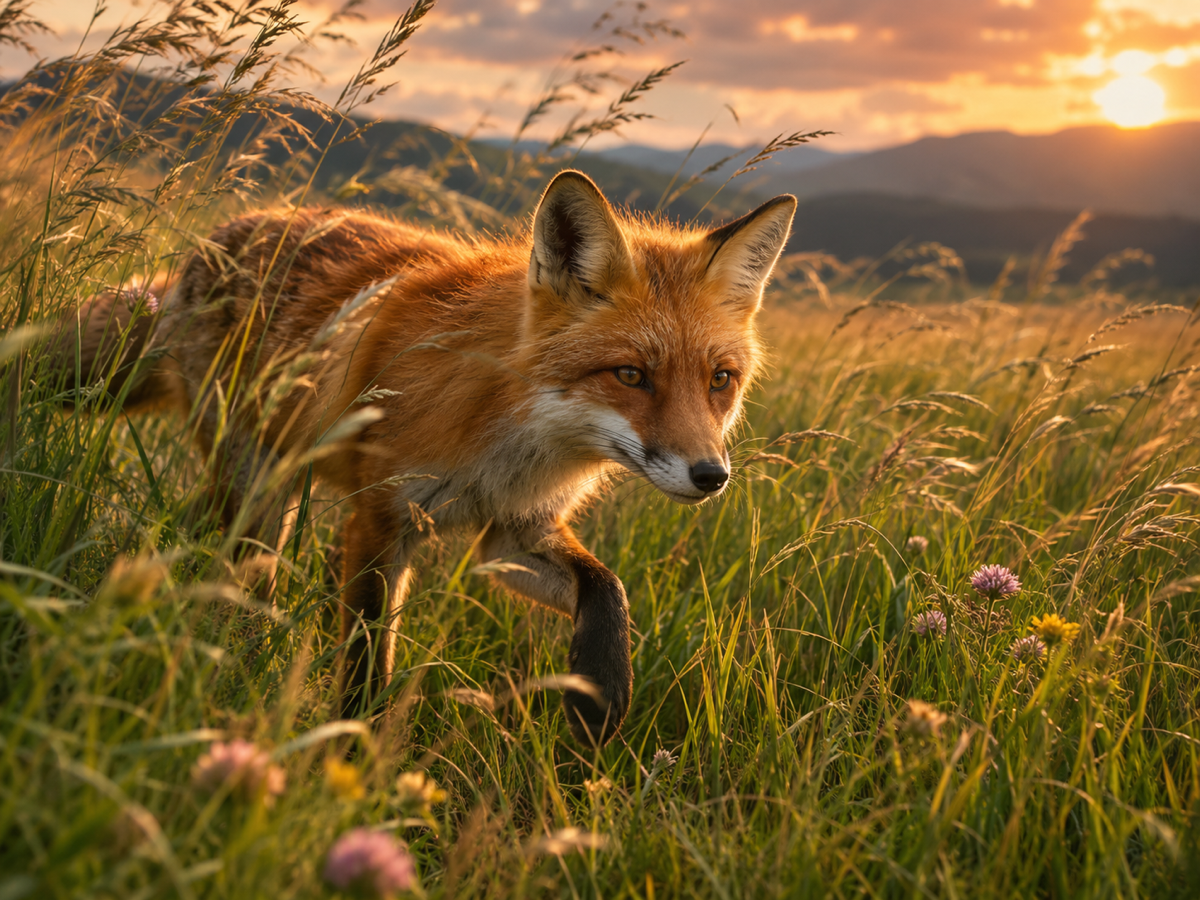
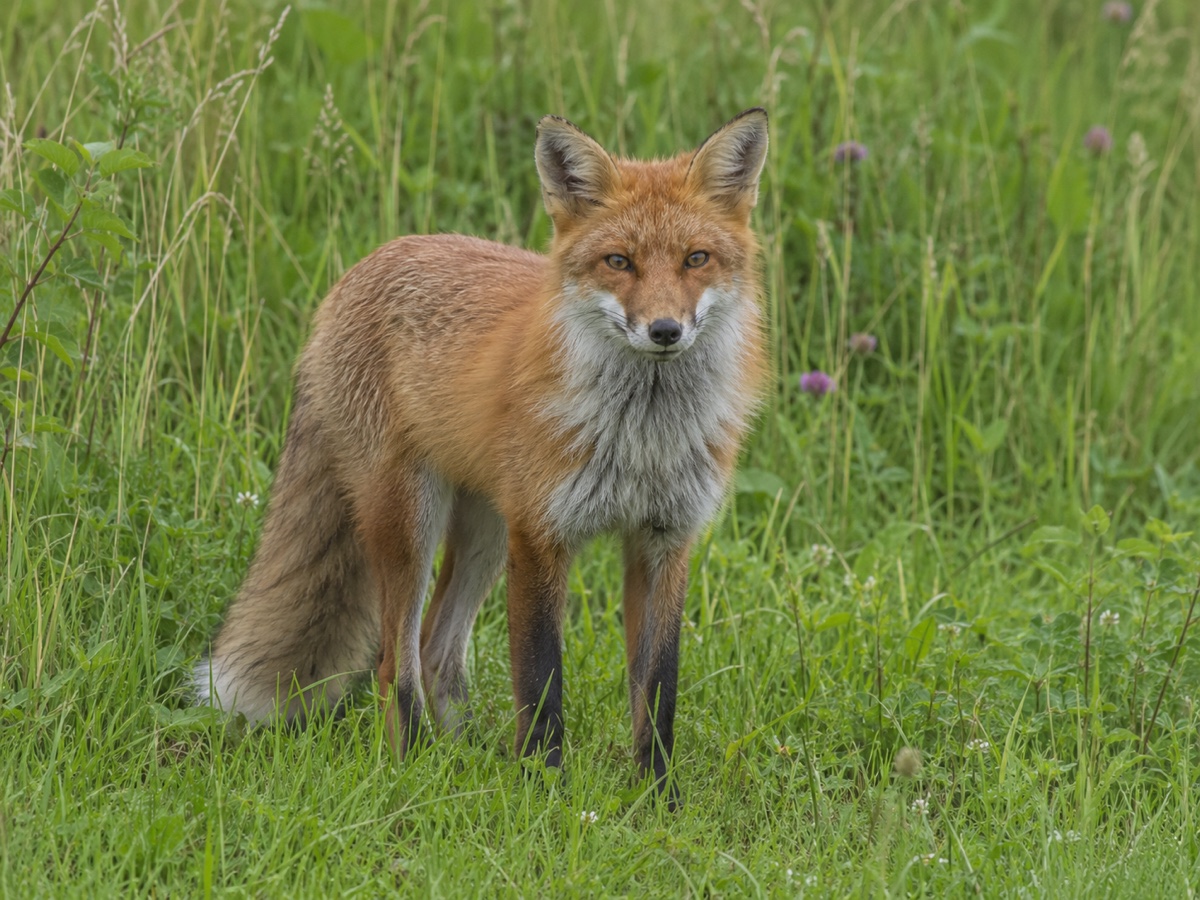
Other variants
Modes
How it works
Step 1
Upload a photo
Portraits, products, landscapes, paintings or AI images.
Step 2
Describe the motion
What moves, how the camera behaves, and the mood.
Step 3
Generate
Pick a model and length; download the MP4 in a few minutes.
Works great for
Why youcut.ai
Exact first frame
The video starts from your image, so products and faces stay on-brand.
Five engines
Economy to premium, all with per-clip pricing.
Camera controls in text
Push in, orbit, pan, tilt and zoom are understood by all models.
Chain clips
Use the last frame as the next start to build longer sequences.
Works with generated images
Send any AI Image Generator result here in one click.
youcut.ai vs Runway
| Feature | youcut.ai | Runway |
|---|---|---|
| Cheapest image-to-video clip | 6 credits (~$0.18 on Pro) | Paid plan credits |
| Kling / Veo / Seedance access | ✓ | — |
| Per-clip price shown before generation | ✓ | Credits estimate |
| Image editing tools in same workspace | ✓ | Partial |
Loved by creators and teams
“My product photos now loop as short videos in listings.”
“Clients love the subtle "living portrait" effect.”
“My illustrations animate without me learning After Effects.”
“One exterior photo becomes a cinematic opener for every listing video.”
“Static campaign visuals turned into Reels in an afternoon.”
“Signup credits covered three clips for my film class.”
Frequently asked questions
Can I make a seamless loop?+
Ask for "slow, continuous motion, static camera" and crossfade the end into the start in your editor.
Does it work with drone photos?+
Yes, describe a slow forward or lateral drift for a convincing aerial move.
Which model for a real-estate exterior?+
Kling 2.5 for accurate architecture with moving sky and trees; keep the camera static or a very slow push.
Ready to try Image to Video?
Free preview in seconds. HD download from 6 credits.
Try it freePowered by: Wan 2.2 A14B · LTX-2 (13B distilled) · Kling 2.5 Turbo Pro · Seedance 1.0 Pro · Veo 3.1