Expand Landscape Photos into Panoramas
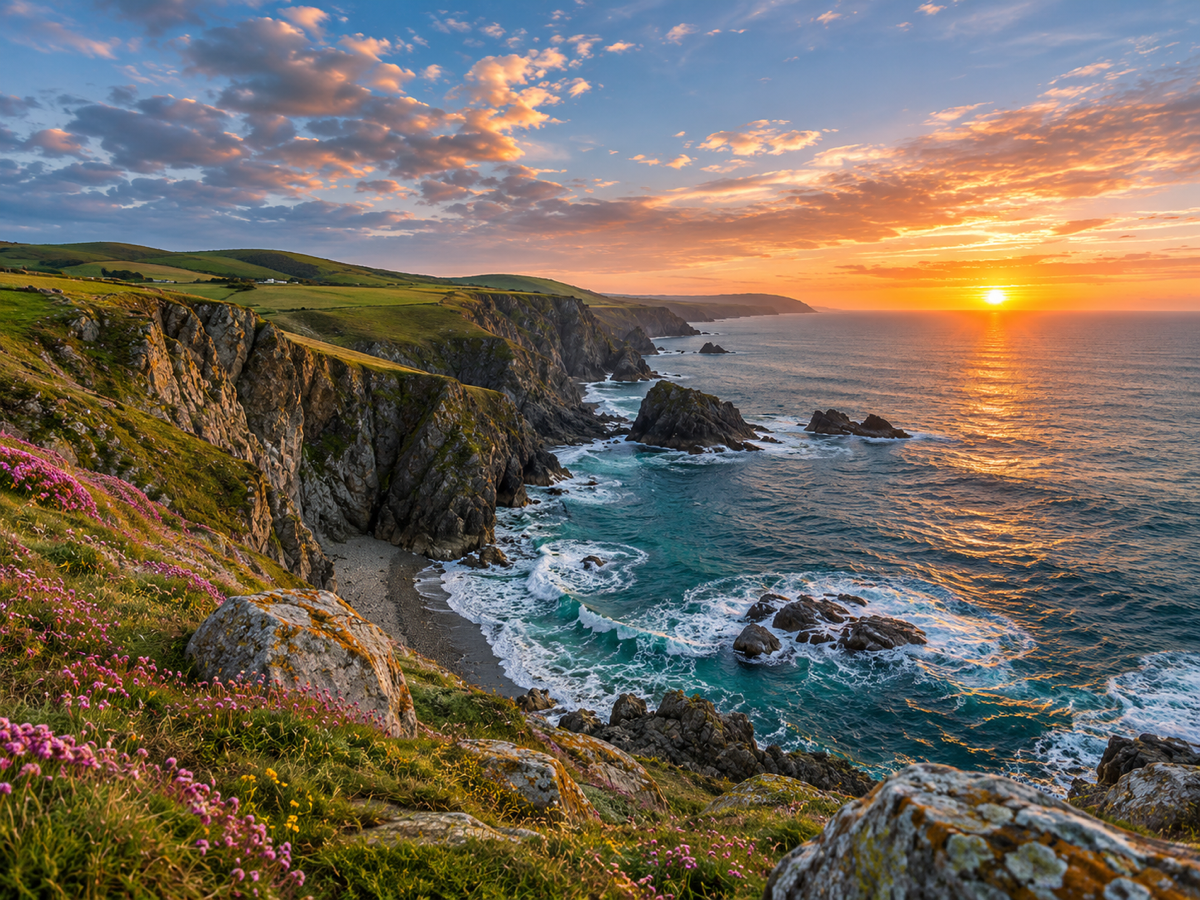
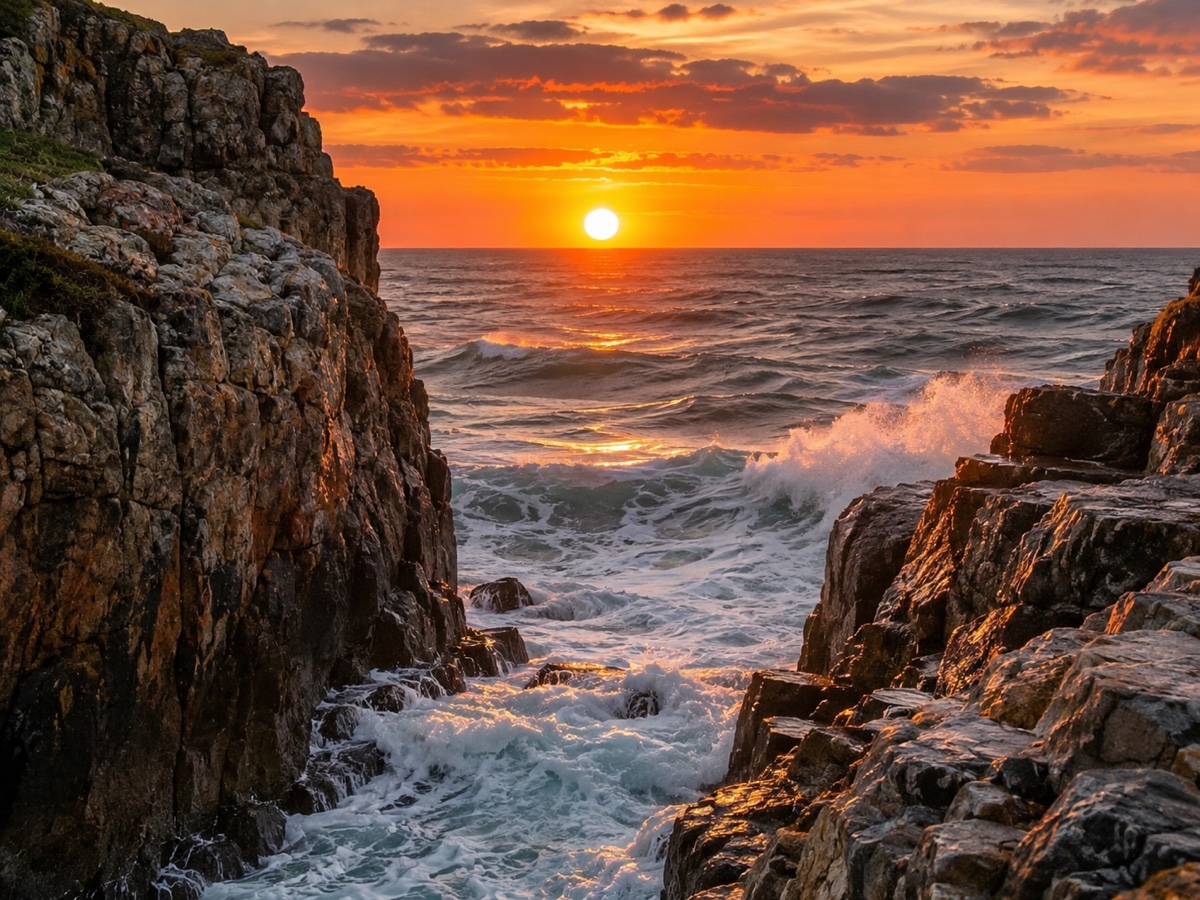
Landscapes are the easiest and most rewarding subject for outpainting. Sky, sea, fields, forests, mountain ridges and desert all have continuous structure the model can extend convincingly, so a standard 3:2 photo can become a 16:9 or 21:9 panorama that feels like it was shot with a much wider lens. The Image Expander keeps the horizon level, continues the gradient of the sky, matches wave patterns and cloud density and extends roads, rivers and tree lines with correct perspective. Use 16:9 for a widescreen print or a website hero, 21:9 for a true panoramic canvas, and 4:3 when you just need a little more room around a tight composition. A short prompt helps when the edge contains something specific, such as continue the coastline or add more rolling hills. Photographers use this to rescue shots where they could not step back, travel bloggers to create hero images, and print shops to fit a photo to a long frame. Very detailed man-made structures at the edge, like buildings, may need a second pass. Free preview, two credits per expansion, and the result can go straight to the Image Upscaler for large prints.
- Horizon kept level, sky gradient and clouds continued
- Roads, rivers and tree lines extended in perspective
- 16:9 hero images, 21:9 true panoramas
- Prompt for specifics: "continue the coastline"
- No signup required
from 2 credits · Uploads are deleted automatically after 24 hours.
Other variants
How it works
Step 1
Upload and pick a ratio
Choose the target frame, or drag the canvas handles freely.
Step 2
AI paints the new area
Content continues naturally from the original edges. Add a prompt to guide it.
Step 3
Download
Get the expanded image at full resolution; regenerate if you want a different variation.
Works great for
Why youcut.ai
Preset ratios
One click for 1:1, 4:5, 16:9, 9:16 and 21:9.
Free canvas
Drag any edge to expand only where you need.
Prompt guidance
Tell the model what should appear in the new space.
Style continuity
Lighting, grain and color are matched to the original.
Original pixels untouched
Only the new area is generated.
youcut.ai vs Adobe Photoshop
| Feature | youcut.ai | Adobe Photoshop |
|---|---|---|
| Generative expand | ✓ | ✓ |
| Price | Free preview, 2 credits HD | Subscription + generative credits |
| Runs in browser, no install | ✓ | — |
| Social ratio presets | ✓ | — |
Loved by creators and teams
“One hero image now fits every placement. Huge time saver.”
“Client photos are always the wrong ratio for banners. Solved.”
“Extended sky and sand look like I shot wider.”
“Vertical clips to 16:9 thumbnails without ugly bars.”
“Adds breathing room around products for lifestyle banners.”
“Turned my phone wallpaper into a desktop one. Free preview did it.”
Frequently asked questions
How much can I widen a photo?+
Any of the offered ratios in one pass; for extreme panoramas expand to 21:9, then expand again.
Will the generated area match the season and time of day?+
Yes, lighting, colour temperature and vegetation are inferred from the original.
Can I print the result large?+
Run it through the Image Upscaler at 2x or 4x after expanding for a 300 dpi print.
Ready to try AI Image Expander?
Free preview in seconds. HD download from 2 credits.
Try it freePowered by: FLUX.1 Fill [pro] · Seedream 4.0