Make a Painting or Historical Portrait Speak
Museums, teachers and heritage projects have discovered that a portrait explaining itself holds attention far longer than a wall label. Upload a painted portrait, a bust photographed head-on, a daguerreotype or a restored historical photograph, add the script or a recorded narration, and Talking Photo animates the mouth with gentle head motion while preserving the brushwork, craquelure, sepia tone or marble texture of the original. The effect is deliberately restrained, so a Renaissance merchant or a Victorian ancestor speaks with dignity rather than becoming a meme. Pair it with Photo Restoration for damaged family photos so a great-grandparent can read their own letter, with the Colorize mode for monochrome portraits, and with the calm male or warm female voice presets for narration in the right register. For public figures, use it only for clearly educational, historical or satirical purposes with content that is not deceptive, and label the video as AI-generated. Source images should be front-facing with the mouth visible and at least 500 pixels across the face; oil paintings with heavy impasto around the lips may need a slightly higher fidelity setting. Keep clips under 60 seconds and export 16:9 for gallery screens or 9:16 for social.
- Brushwork, craquelure, sepia and marble textures preserved
- Restrained, dignified motion for historical subjects
- Pairs with Photo Restoration and Colorize
- Label as AI-generated; educational and heritage use
- No signup required
from 20 credits · Uploads are deleted automatically after 24 hours.
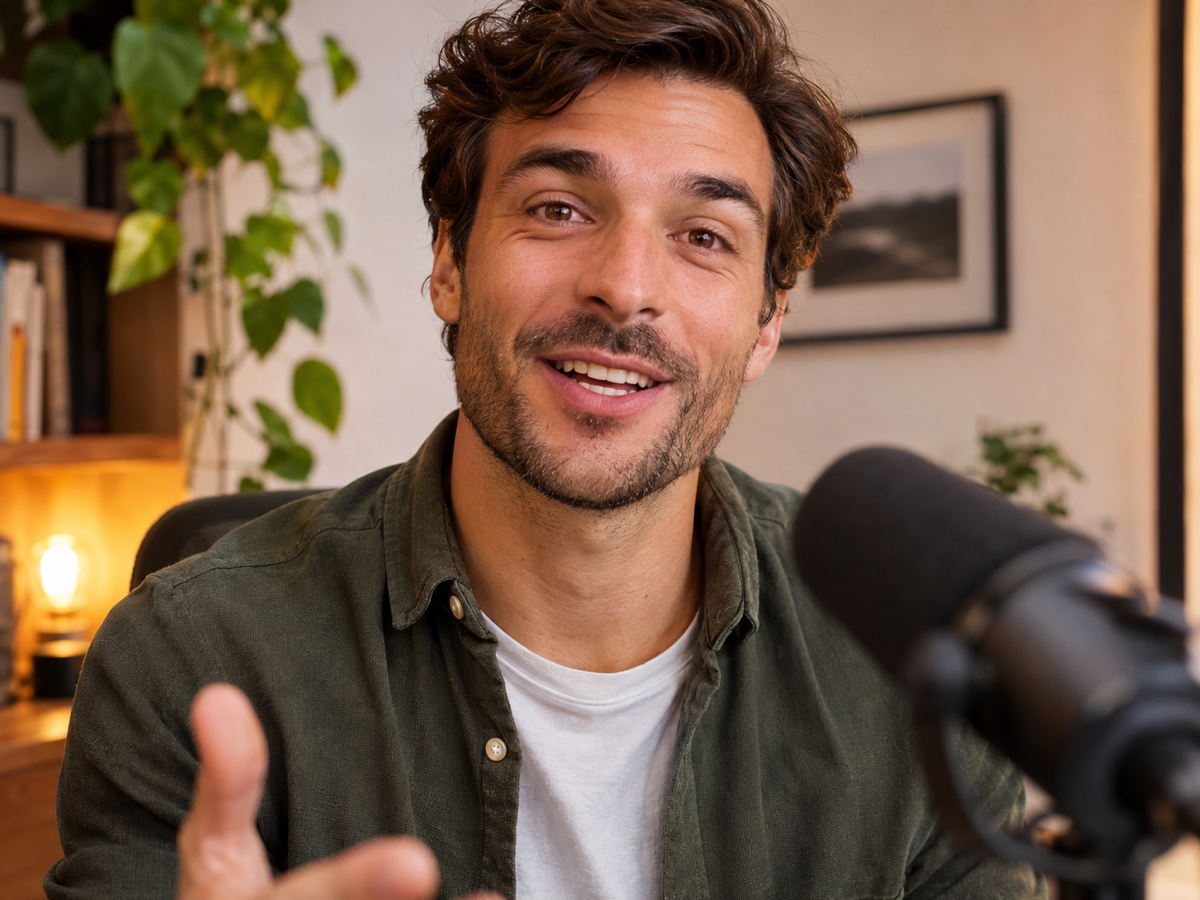
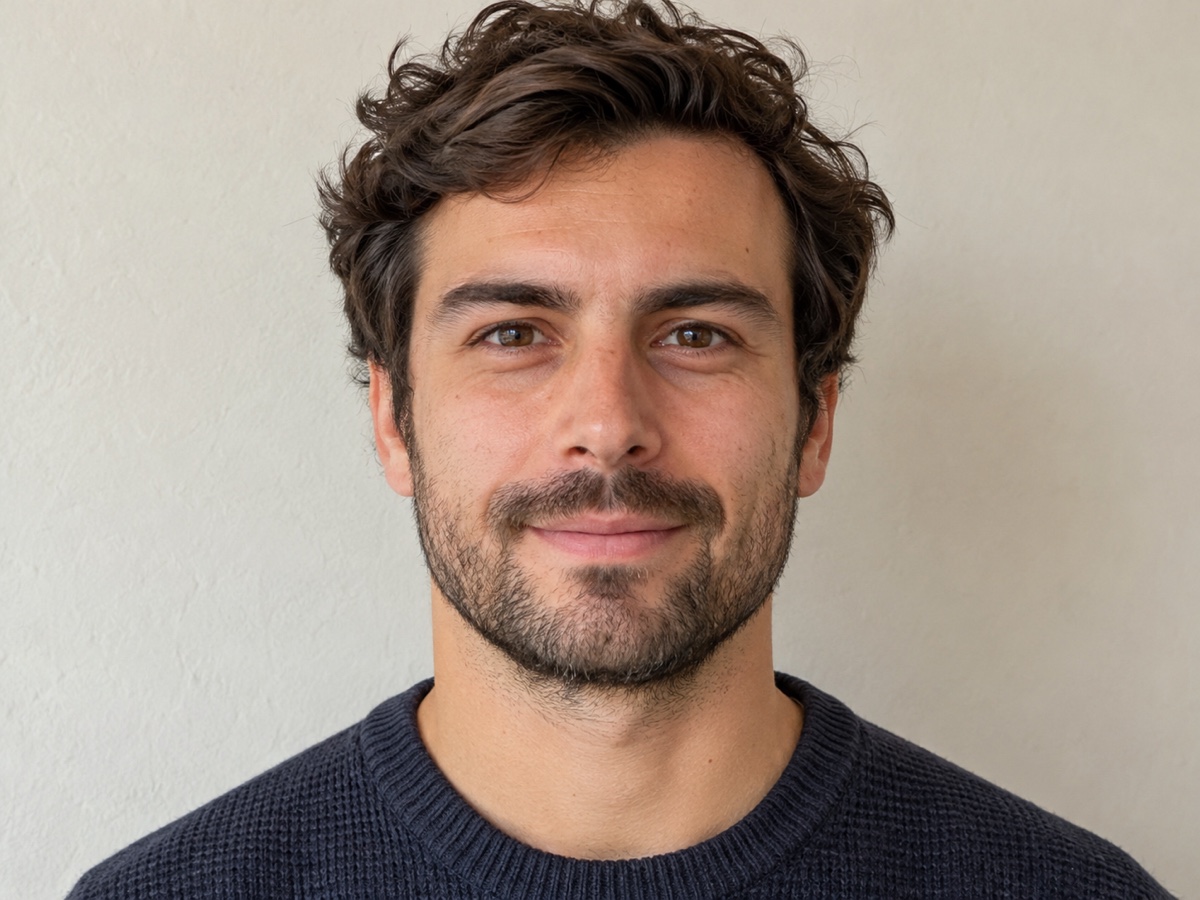
Legal notice: Only animate photos of yourself or people who have given explicit consent. Do not create deceptive, defamatory or impersonating content. Terms
Other variants
How it works
Step 1
Upload a portrait
Front-facing, mouth visible. Photos, illustrations and pets all work.
Step 2
Add voice
Upload a recording or type a script and pick a voice.
Step 3
Generate the video
Lips, jaw and head move with the audio. Download MP4 with sound.
Works great for
Why youcut.ai
Precise lip sync
Phoneme-level mouth shapes for English, Chinese, Spanish and more.
Natural motion
Subtle head movement, blinks and eyebrows, not just a moving mouth.
Built-in voices
Type a script and choose from natural TTS voices in 20+ languages.
Non-human subjects
Pets, cartoons, statues and paintings are supported.
Consent-first
Only animate people who have agreed. Watermark-free downloads on paid plans.
youcut.ai vs Runway
| Feature | youcut.ai | Runway |
|---|---|---|
| Price per 10 s | 20 credits (~$0.62 on Pro) | Plan credits |
| Text-to-speech included | ✓ | Separate step |
| Pets and cartoons | ✓ | Limited |
| Entry plan | $9.99 / 250 credits | Higher-priced tiers |
Loved by creators and teams
“My headshot delivers the intro so I do not have to re-record.”
“Our mascot now greets visitors on the homepage.”
“Portraits narrating their own history. Students were riveted.”
“The talking-dog format got my best engagement this year.”
“Localized the same spokesperson video into four languages.”
“API makes personalized video greetings at scale.”
Frequently asked questions
Is it appropriate to animate a deceased relative?+
Many families find it meaningful for memorials. Use respectful scripts, ideally the person's own words, and consider how other relatives may feel.
Can I animate a statue?+
Yes if photographed head-on in even light. Marble and bronze textures are preserved.
Can I use it for a famous historical figure?+
For education, documentary and clearly labelled creative work, yes. Do not create deceptive content or imply real statements they never made.
Ready to try Talking Photo?
Free preview in seconds. HD download from 20 credits.
Try it freePowered by: Kling LipSync
Only animate photos of yourself or people who have given explicit consent. Do not create deceptive, defamatory or impersonating content.