Enhance Portrait Photos Naturally
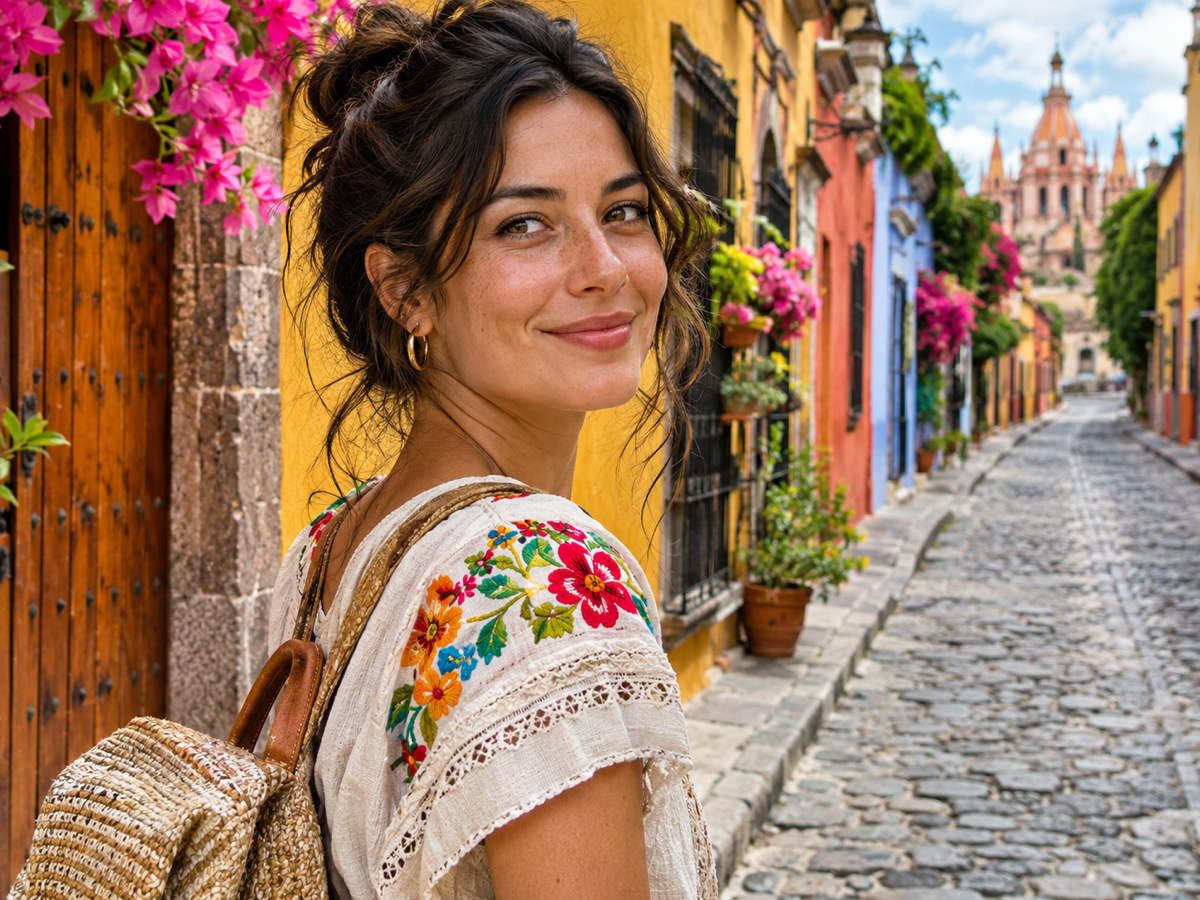
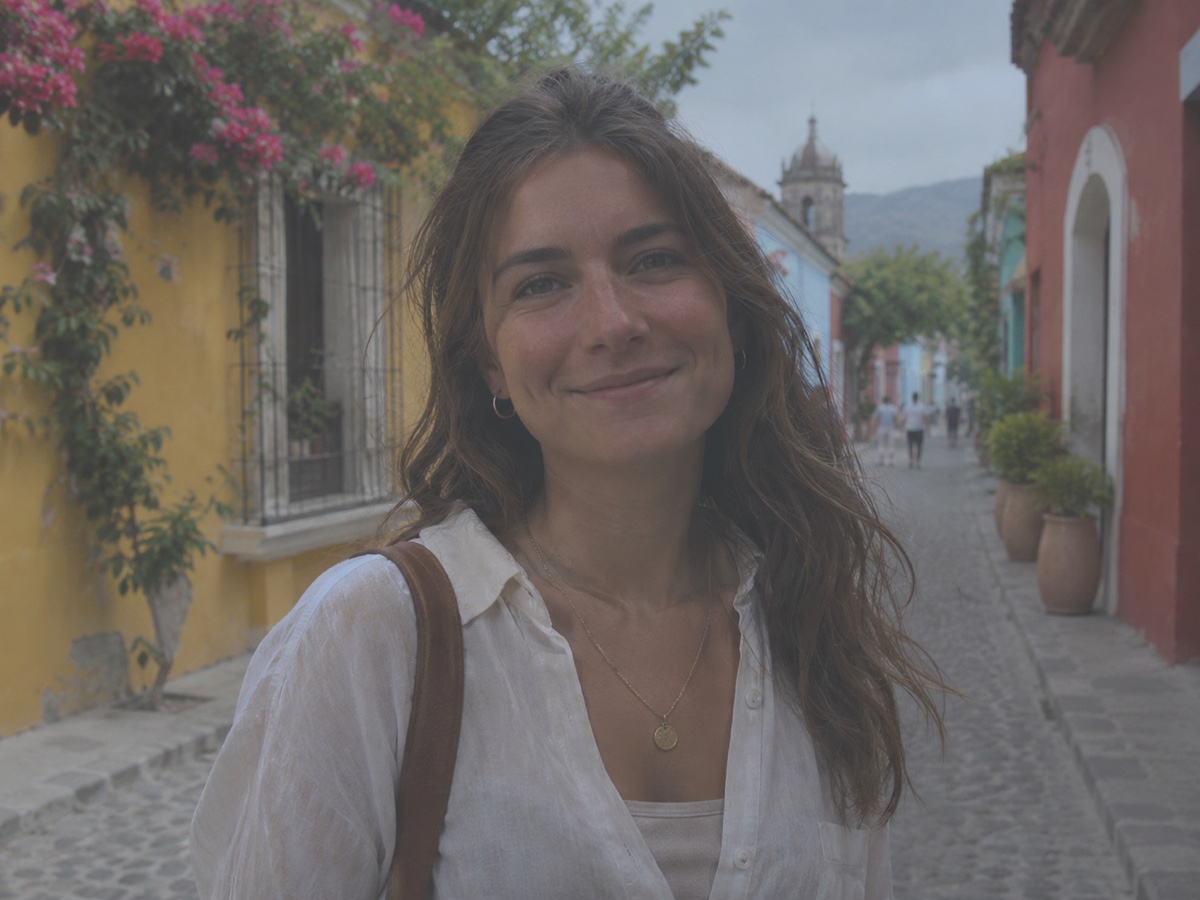
Beauty filters make everyone look the same; a good portrait enhancer makes the same person look like a better photograph of themselves. The Photo Enhancer applies CodeFormer face restoration at a conservative fidelity, so eyes become sharper, eyelashes and eyebrows regain definition and skin keeps its real texture, pores and freckles included, instead of being airbrushed. Noise from indoor phone shots is removed, colour is corrected for mixed lighting and a gentle tone curve adds dimension to the face. It is the right tool for profile pictures, dating app photos, staff directory shots, graduation photos and old family portraits before printing, and it is the recommended first step before the Passport Photo Maker or the AI Headshot Generator when the source photo is soft. Keep sharpen and denoise at medium for most portraits; increase denoise for grainy low-light shots. Works on single faces and groups, and leaves clothing, background and hands untouched. Preview is free, results cost one credit, and nothing about the person's features is changed, only recovered.
- Real skin texture kept – no airbrushed plastic look
- Sharper eyes, lashes and brows
- Recommended before Passport Photo Maker and AI Headshot
- Features recovered, never changed
- No signup required
from 1 credits · Uploads are deleted automatically after 24 hours.
Other variants
How it works
Step 1
Upload the photo
Blurry, grainy, dark or over-compressed images all work.
Step 2
Adjust strength
Defaults work for most photos; dial denoise and sharpen up or down as needed.
Step 3
Download
Compare with the slider and save at original resolution.
Works great for
Why youcut.ai
Deblur
Restores edges lost to camera shake and missed focus.
Denoise
Removes grain while keeping fine texture like hair and fabric.
Artifact repair
Cleans JPEG blocking and banding from re-saved images.
Face-aware
Faces get an extra restoration pass automatically.
Pair with upscaler
Enhance first, then upscale for print-ready results.
youcut.ai vs Adobe Photoshop
| Feature | youcut.ai | Adobe Photoshop |
|---|---|---|
| One-click enhancement | ✓ | — |
| Price | Free preview, 1 credit HD | Monthly subscription |
| AI deblur | ✓ | Limited (Camera Shake Reduction removed) |
| Runs in browser | ✓ | — |
Loved by creators and teams
“The only decent photo of my kid's recital was blurry. Not anymore.”
“Denoise at medium keeps grain structure natural. Rare.”
“Phone photos of products look like they came from a studio.”
“Dark interior shots become usable without a reshoot.”
“Whiteboard photos are readable again.”
“Fixes client-supplied JPEGs before they hit the layout.”
Frequently asked questions
Does it slim faces or whiten teeth?+
No. It is a restoration tool, not a beauty filter. Shape, skin tone and features stay as they are.
Can it improve a passport photo before submission?+
Yes for sharpness and lighting. Then use the Passport Photo Maker for the correct size and background.
Does it work on old family portraits?+
Yes. For scratches, tears and colourising, use Photo Restoration instead or in addition.
Ready to try Photo Enhancer?
Free preview in seconds. HD download from 1 credits.
Try it freePowered by: Clarity Upscaler · CodeFormer