Remove Background from iPhone HEIC Photos
iPhones and iPads save photos as HEIC by default, and most online tools still reject the format or force you through a converter first, which costs time and often quality. The Background Remover accepts HEIC and HEIF files directly, up to 25 MB, reads the embedded orientation so portrait shots are not rotated, preserves the wide P3 colour gamut by converting to sRGB correctly, and handles the 48-megapixel ProRAW-derived HEICs from recent iPhone models. The matting runs at full resolution, so the fine hair detail that iPhone cameras capture is kept in the cutout. You then download a transparent PNG or WebP for compositing, or a JPG with a white or coloured background for marketplaces and forms that do not accept HEIC. This is the fastest route from a phone photo to a listing image, a profile picture cutout or a sticker: shoot, open youcut.ai in Safari, share or drag the photo in, and download. HEIC Live Photos are processed as the still frame, and burst or portrait-mode HEICs work the same way, with the depth map ignored in favour of the AI matte. Free preview without signup, HD downloads from $0.03 per image on a plan.
- HEIC/HEIF accepted directly, up to 25 MB and 48 MP
- Orientation and P3 colour handled correctly
- Download PNG, WebP or JPG for any destination
- Works from Safari share sheet on iPhone
- No signup required
from 1 credits · Uploads are deleted automatically after 24 hours.
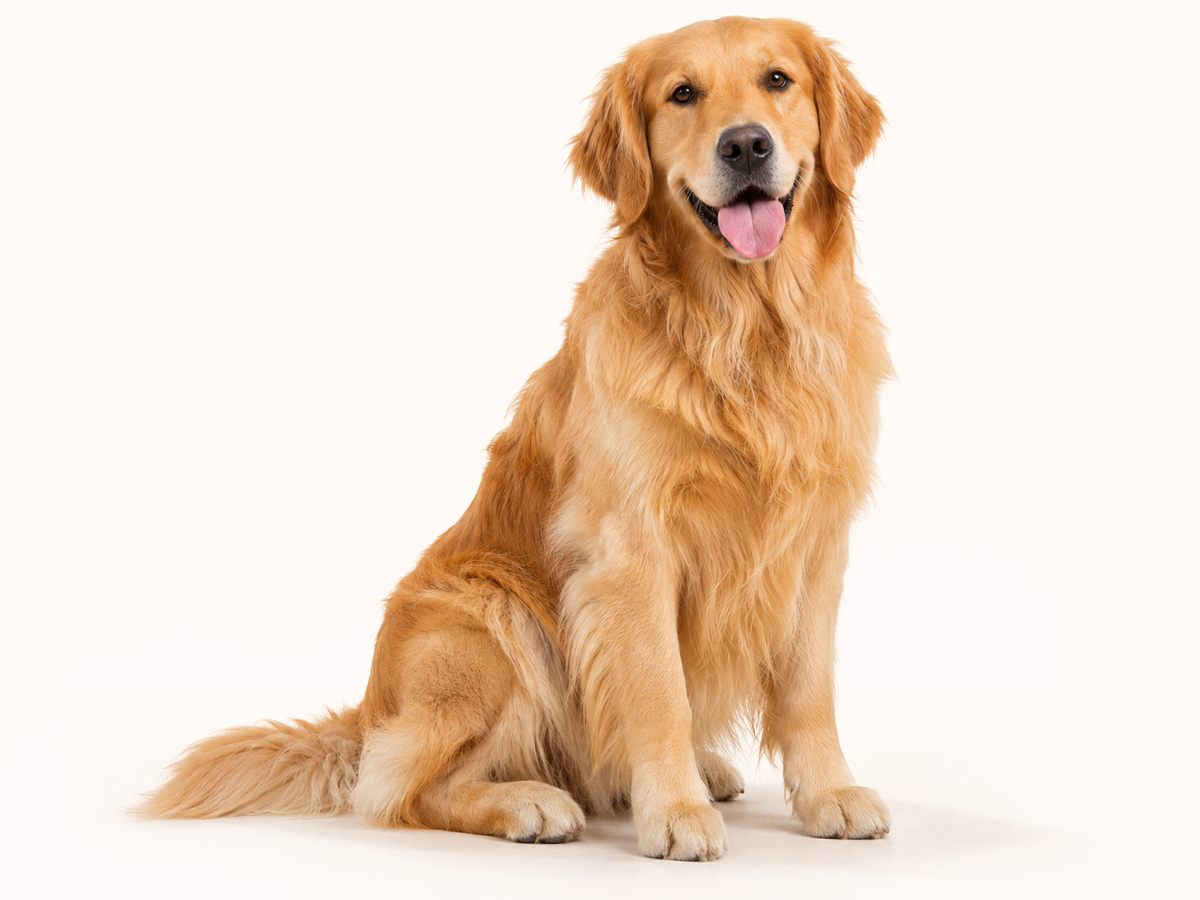
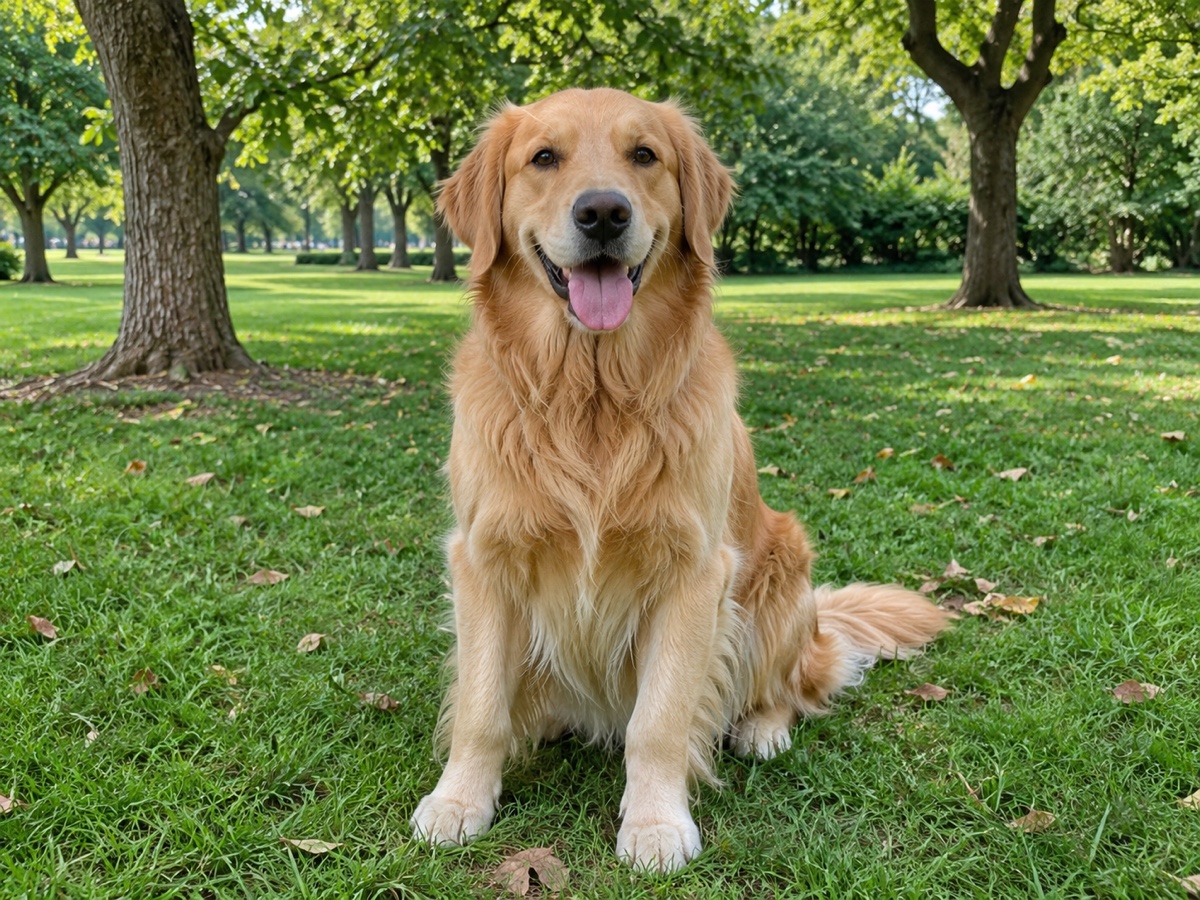
Other variants
Modes
How it works
Step 1
Upload an image
Drag & drop a JPG, PNG, WebP or HEIC, or paste from clipboard.
Step 2
AI removes the background
Our model detects the subject and cuts it out in about 5 seconds.
Step 3
Download or keep editing
Get a transparent PNG, add a new background, or upscale.
Works great for
People
Hair, fur and semi-transparent edges handled cleanly.
Products
Marketplace-ready white backgrounds for Amazon, Shopify and eBay.
Cars
Keep reflections and windows realistic.
Logos
Crisp vector-like edges for graphics and text.
Animals
Fine fur preserved.
Signatures
Turn a photo of a signature into a transparent PNG.
Why youcut.ai
Fully automatic
No manual selection or Photoshop skills required.
Batch processing
Upload up to 100 images and download a ZIP.
Up to 4K output
Full-resolution downloads for print and e-commerce.
Private by default
Guest uploads are deleted automatically after 24 hours.
youcut.ai vs remove.bg
| Feature | youcut.ai | remove.bg |
|---|---|---|
| Free HD preview | ✓ | — |
| Price per HD image | from $0.03 | $0.22 |
| AI background generation | ✓ | — |
| API | $0.02/image | $0.20/image |
Loved by creators and teams
“I process 200 product photos a week. The batch tool paid for itself on day one.”
“Hair edges are better than what I got from remove.bg.”
“Paste, cut, download. Three seconds per thumbnail.”
“Great for agent headshots on listing flyers.”
“Free preview is enough for my presentations.”
“The API replaced a much more expensive vendor.”
Frequently asked questions
Do I need to convert HEIC to JPG first?+
No, upload the HEIC directly; conversion is handled server-side without quality loss.
Will portrait photos come out rotated?+
No, the EXIF orientation is read and applied before processing.
Can I get the result back as HEIC?+
Output formats are PNG, WebP and JPG, since HEIC transparency support is inconsistent across apps.
Ready to try Background Remover?
Free preview in seconds. HD download from 1 credits.
Try it freePowered by: BiRefNet v2 · Bria RMBG 2.0