Add Objects to a Photo with AI
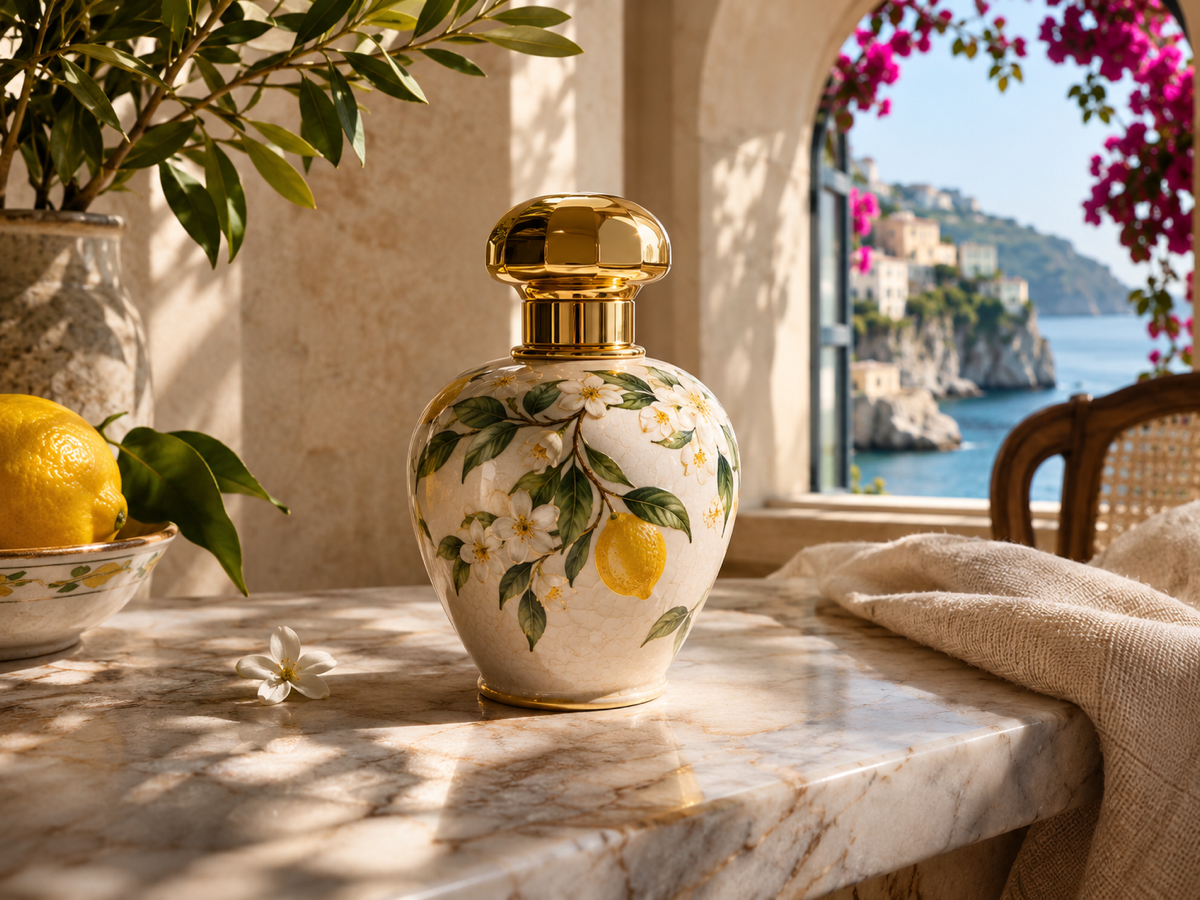
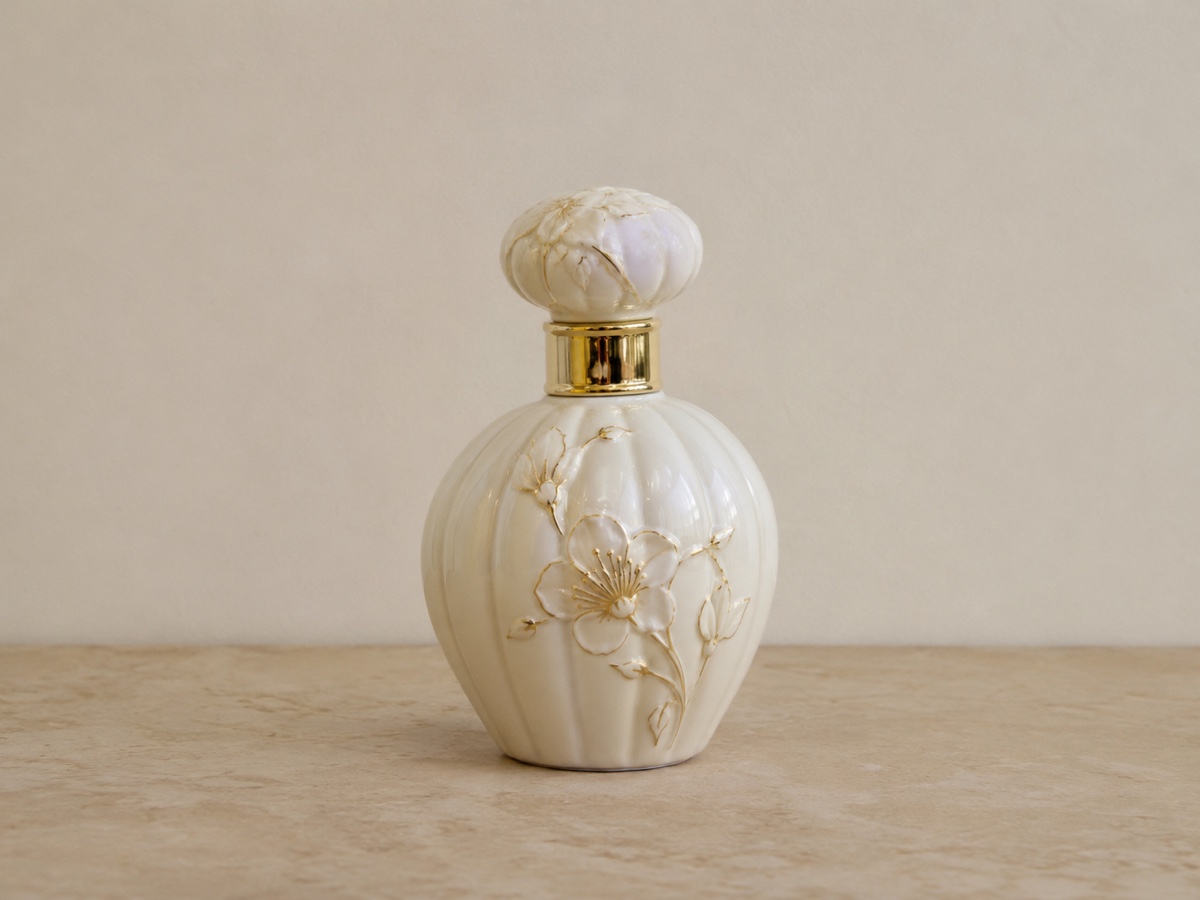
Adding something that was never there is harder than removing something that was, because the new object has to obey the scene's perspective, scale, light direction and surface contact. Modern editing models manage it with a plain instruction: add a golden retriever sitting next to her; put a cup of coffee on the table; add sunglasses; place a grey sofa against the wall; add a bicycle leaning on the fence. Nano Banana is the default and is particularly good at making added objects cast plausible shadows and pick up the scene's colour; GPT Image is stronger when the instruction is long or involves several objects with specific positions; Seedream Edit is a good choice for illustrated or stylised photos. You can also attach a reference image of the exact item, such as your product, and ask the model to place it in the scene, which is how many brands create lifestyle shots. Be specific about location and size in the prompt, and expect the best results on surfaces and open areas rather than behind existing objects. Real-estate agents use this to virtually stage a room, marketers to add props to a flat product shot, and creators to add pets, plants and accessories to portraits. Three credits per edit with Nano Banana or Seedream Edit, five with GPT Image.
- Perspective, scale, shadows and colour matched to the scene
- Attach a reference image to insert your exact product
- Nano Banana for natural shadows, GPT Image for multi-object instructions
- Virtual staging, props and accessories in one step
- No signup required
from 3 credits · Uploads are deleted automatically after 24 hours.
Other variants
Modes
How it works
Step 1
Upload a photo
Any JPG, PNG, WebP or HEIC.
Step 2
Describe the edit
Type what to change. Attach a reference image for a specific outfit, product or style.
Step 3
Refine in follow-ups
Keep chatting: "make it warmer", "remove the hat". Download any version.
Works great for
Why youcut.ai
Identity preserved
Faces, logos and product details stay recognizable across edits.
Conversation history
Every turn is saved; branch from any earlier version.
Reference images
Show the model the exact garment, color or style you mean.
Three engines
Switch between Nano Banana, GPT Image and Seedream 4 Edit per request.
Local edits too
Optionally brush a region to limit changes to that area.
youcut.ai vs Adobe Photoshop
| Feature | youcut.ai | Adobe Photoshop |
|---|---|---|
| Edit with natural language | ✓ | Limited (Generative Fill) |
| Skill required | None | Layers, masks, selections |
| Price | 3–5 credits per edit | Monthly subscription |
| Model choice | 3 models | Firefly only |
Loved by creators and teams
“Show the same top in five colors from one photo.”
“Client asked to remove a logo and change the sky. Two sentences.”
“Multi-turn editing feels like briefing a retoucher.”
“Virtual staging by typing "add a grey sofa and a rug".”
“Tried five hairstyles before committing to one.”
“GPT Image mode nails edits with text on packaging.”
Frequently asked questions
How precisely can I control where the object goes?+
Describe the position relative to existing elements, e.g. "on the left side of the table, in front of the vase". Mask-based placement is on the roadmap.
Can I add a person?+
Yes, generic people work well. To add a specific real person, attach their photo as a reference and expect some variation.
Will the rest of the photo change?+
Editing models aim to change only what you ask. Small global shifts can occur; add "keep everything else unchanged" if needed.
Ready to try AI Photo Editor?
Free preview in seconds. HD download from 3 credits.
Try it freePowered by: Nano Banana (Gemini 2.5 Flash Image) · GPT Image · Seedream 4.0