AI Headshots for YouTube Thumbnails & Channel Art
YouTube click-through lives and dies on the thumbnail, and thumbnails with a clear, well-lit face outperform those without. The AI Headshot Generator in Creative mode produces portraits built for this job: strong directional lighting that separates you from any background, saturated or clean backdrops you can remove, contemporary clothing and a crisp, sharp finish that survives being scaled to 320 pixels wide on a phone. Your real face is preserved so viewers recognise you across the channel. Generate several variations, then run them through the Background Remover to get transparent cutouts for compositing over your video frame, text and graphics in Canva or Photoshop. The same tool creates a consistent 800 by 800 channel avatar, which YouTube displays as a 98-pixel circle, so keep the head centred. For thumbnails, a slight three-quarter angle and expressions such as surprised, focused or laughing work better than a neutral headshot; describe the expression in the prompt. Tech reviewers, educators, podcasters and vloggers use this to build a library of reusable cutouts in one sitting instead of shooting new faces for every upload. Upload a front-facing daylight photo and generate at four credits per run; upscale 2x for 2560 by 1440 banner art.
- Directional light and sharp finish that survives 320 px scaling
- Describe the expression: surprised, focused, laughing
- Cut out with Background Remover for compositing
- Consistent 800 x 800 channel avatar too
- No signup required
from 4 credits · Uploads are deleted automatically after 24 hours.
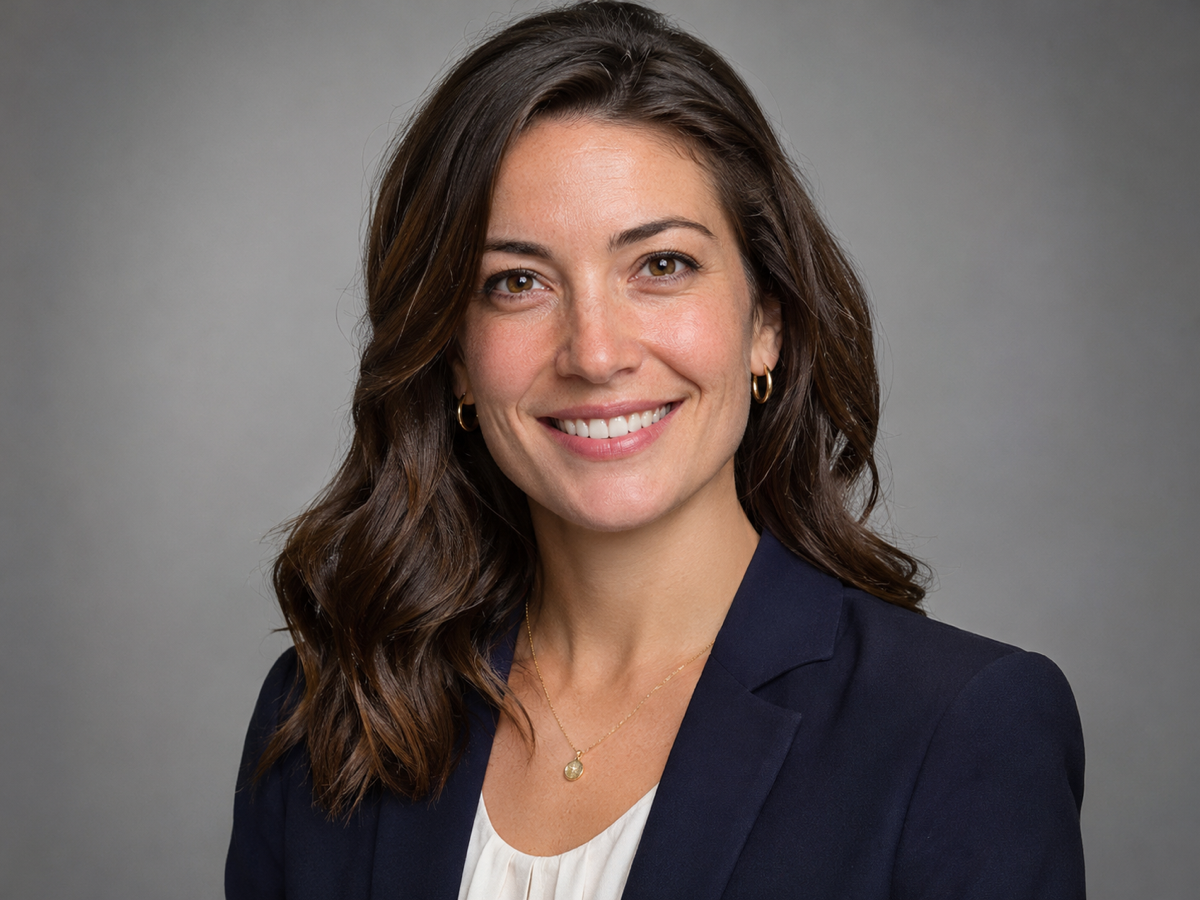
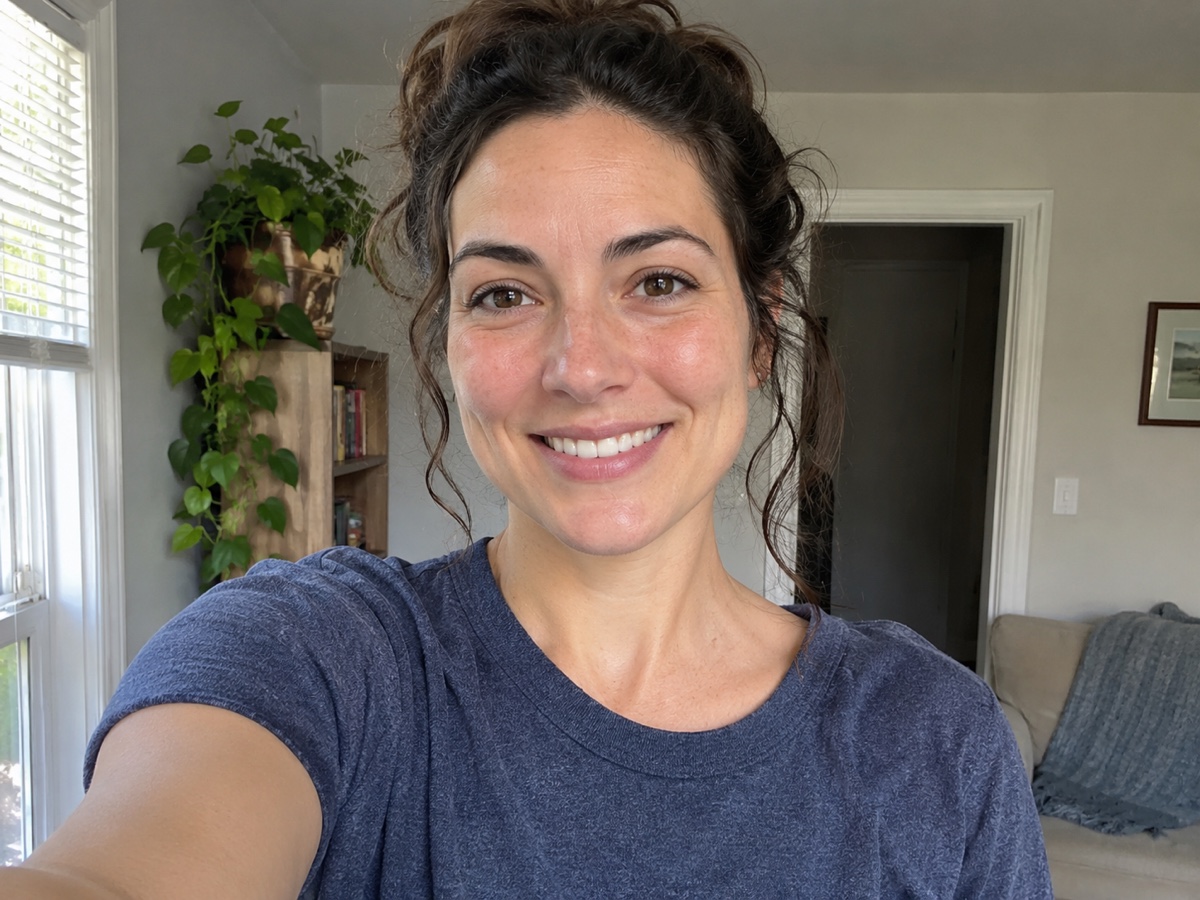
Other variants
How it works
Step 1
Upload a clear selfie
Face the camera in good light. No sunglasses or heavy filters.
Step 2
Pick a style
Corporate, Creative or LinkedIn. Attire and background change; your face does not.
Step 3
Download your set
Four variations at 2048 px. Upscale or crop for any platform.
Works great for
Why youcut.ai
Identity-safe
Face geometry is preserved; only clothing, lighting and background change.
Under a minute
No 2-hour training wait like LoRA-based services.
Four looks per run
Different poses and backgrounds within the chosen style.
Print and web ready
2048 px output, upscalable to 4K.
Affordable for teams
4 credits per person versus $30+ per head at typical headshot services.
youcut.ai vs Photoroom
| Feature | youcut.ai | Photoroom |
|---|---|---|
| Price per headshot set | 4 credits (~$0.12 on Pro) | Pro subscription |
| Style presets (Corporate / Creative / LinkedIn) | ✓ | Generic background swap |
| Attire change | ✓ | — |
| Generation time | < 1 minute | Seconds (background only) |
Loved by creators and teams
“Recruiter messages doubled after I swapped my LinkedIn photo.”
“Whole team got matching headshots for the website in one afternoon.”
“It still looks like me. That was my worry with AI headshots.”
“New agent photo on all my listings without a $300 session.”
“Creative style fits my portfolio better than a stiff suit.”
“Onboarding now includes a headshot in five minutes.”
Frequently asked questions
Can I get different expressions from one selfie?+
Yes, describe the expression in the prompt for each run; results stay recognisably you.
What thumbnail size does YouTube want?+
1280 x 720, under 2 MB. Composite your cutout over the frame at that size.
Does it work for a faceless channel with a mascot?+
Use the AI Image Generator for the mascot and Talking Photo to make it speak.
Ready to try AI Headshot Generator?
Free preview in seconds. HD download from 4 credits.
Try it freePowered by: Nano Banana (Gemini 2.5 Flash Image) · FLUX 1.1 [pro]